Table of contents
Buying proxies without knowing the type is like renting office space without asking whether it is a shared coworking desk, a private suite, or a warehouse unit. All three give you an address. They are not interchangeable for the same job.
The three labels you will see everywhere — datacenter, residential, and ISP / static residential — describe where the exit IP comes from, how long you can keep it, and how target sites tend to treat it. Pick wrong and you burn budget on blocks, CAPTCHAs, or failed logins. Pick right and the rest of your stack (scrapers, anti-detect browsers, sequencers) has a fair chance to work.
This guide is a practical decision map. We explain what each type really means (exit IP sourcing and ASN trust), compare them side by side, map common use cases, touch mobile as an adjacent option, and close with myths, cost trade-offs, and who should pick which. No invented prices or “95% success” claims — just mechanisms you can verify on your own targets.
Quick framing
Datacenter = fast hosting IPs. Residential = consumer ISP peers, usually rotating. ISP / static residential = long-lived IPs on ISP-looking ranges. Match the type to sticky needs and block risk, not to the cheapest GB on a pricing page.
Quick answer: which proxy type should you use?
Use this as a one-minute filter before you deep-dive:
- High-volume public scraping / price checks / SERP pulls where sessions are short and rotation is fine → start with rotating residential. Datacenter can work on soft targets with careful rate limits.
- Logged-in social, messaging, or multi-account seats that need the same exit for hours or days → prefer ISP / static residential. Sticky residential is a fallback when dedicated inventory is scarce.
- API hammering, CI checks, or soft sites that do not fingerprint hosting → datacenter is often enough and far cheaper per request.
- App-only recovery, carrier-looking traffic, or regions where ISP stock is thin → consider mobile as a specialist layer (covered later).
The failure mode we see most often: teams buy cheap rotating datacenter for Instagram, LinkedIn, or Telegram logins, then blame the automation tool when checkpoints appear. Logged-in social work usually fails on hosting ASNs. For sticky social playbooks, see our guides on Instagram automation proxies, LinkedIn automation proxies, and static proxies for Telegram.
If you only remember one sentence: rotation and trust are different problems. Residential solves “look like many home users.” ISP solves “look like one stable office or home line.” Datacenter solves “be fast and cheap when the site does not care about hosting.”
What a proxy type really means (exit IP sourcing)
Every proxy hides or changes the IP the destination sees. The type is not about HTTP vs SOCKS5 (that is protocol — a separate choice). Type is about who announces the exit address on the public internet and how that address is allocated to you.
Three questions define the product:
- Where does the IP live? A cloud / hosting ASN, a consumer broadband peer, a carrier mobile network, or an ISP range sold as a dedicated/static product.
- How long do you keep it? Per request, for a sticky window (minutes to hours), or as a dedicated port for weeks or months.
- How do reputation systems score it? Hosting flags, prior abuse, subnet density, and geo consistency all feed block decisions. When things go wrong, read why proxies get blocked — it is rarely one magic header.
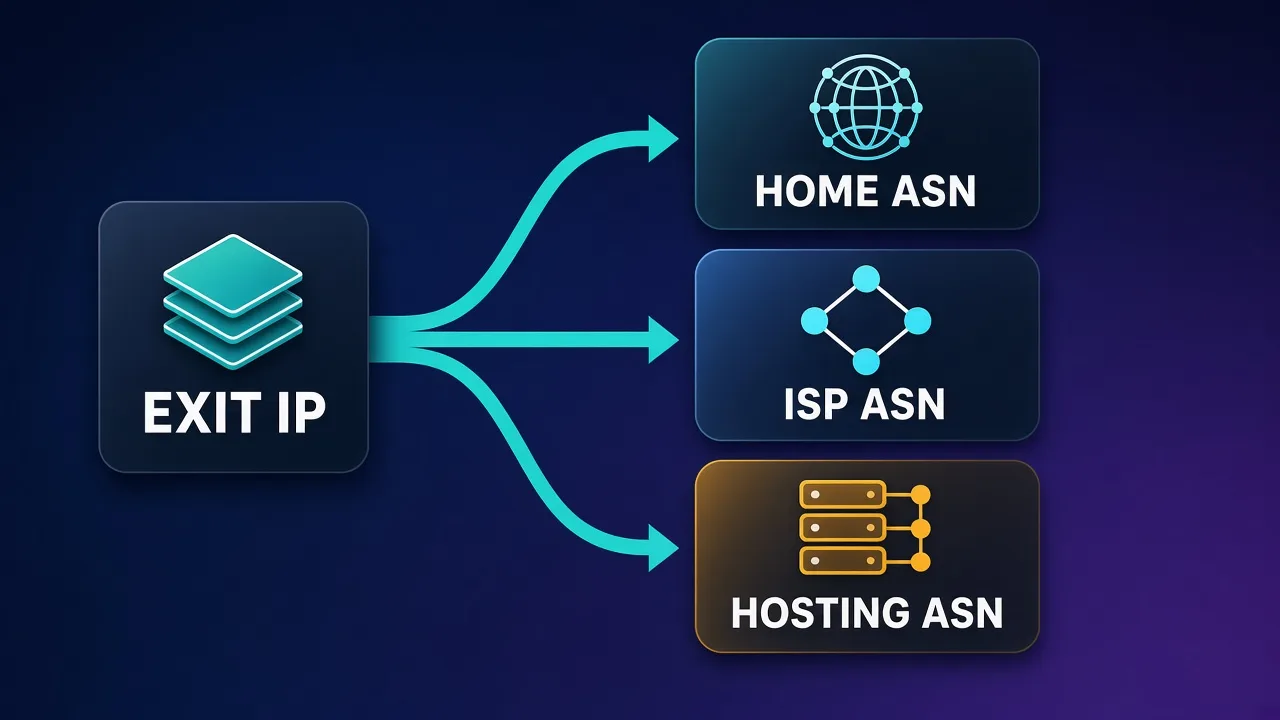
That first question is mostly an ASN question. An ASN (Autonomous System Number) identifies the network that announces a block of IPs. Consumer cable and fiber ASNs look different from AWS, GCP, Hetzner, and other hosting ASNs. Risk models use that signal heavily for “is this a real person?” checks. If ASN is new vocabulary, start with what an ASN is before you buy seats.
Marketing names blur. “Residential” sometimes means rotating peer network, sometimes static ISP. “ISP proxy,” “static residential,” and “dedicated residential” often describe the same sticky, ISP-looking product. Always ask the vendor: Is this a shared rotating pool or a dedicated IP? Which ASN class does it sit on? What is the sticky TTL?
Datacenter proxies explained
Datacenter proxies are IPs issued in hosting and cloud networks. Providers run servers in data centers and route your traffic out through those addresses. You get high bandwidth, low latency (relative to peer networks), and usually the lowest cost per GB or per IP.
What that means in practice:
- Speed: Excellent for bulk HTTP fetches, API polling, and parallel workers. Throughput is often limited by your target, not the proxy.
- Stability: Dedicated or semi-dedicated datacenter ports stay put. Rotating datacenter pools exist too, but the ASN class is still hosting.
- Trust optics: Many sites maintain lists or heuristics for hosting ranges. Logged-in consumer products (social, banking, some e-commerce checkouts) treat them as higher risk.
- Best fit: Soft public pages, internal tools, SEO rank checks on tolerant SERP endpoints, QA, and workloads where a block is cheap to retry.
Datacenter is not “bad.” It is mismatched when the destination expects a human on a home or office ISP. For anonymous public scraping of lightly protected sites, a well-managed datacenter fleet with retries and backoff can outperform residential on cost and speed.
Logged-in social warning
Commodity datacenter exits often fail for logged-in Instagram, LinkedIn, Telegram desktop, and similar personas. Checkpoints and soft locks show up quickly because the ASN looks like hosting. Do not treat datacenter as a drop-in for sticky social seats.
Premium or “residential-looking” marketing around some datacenter plans can confuse buyers. If the ASN is still a known hoster, treat it as datacenter for risk purposes — regardless of the brochure.
Residential proxies explained
Residential proxies route traffic through IP addresses assigned to consumer ISPs — cable, fiber, or DSL ranges that look like home broadband. Providers typically assemble large pools of peer devices or partner networks and let you rotate across them.
Key properties:
- Rotation by default: Each request (or each short sticky window) can exit from a different home IP. That is ideal when you need many identities for public page collection. How sticky IDs and pool rotation work in practice is covered in how rotating proxies work.
- Trust optics: Consumer ASNs generally score better than hosting for “human browsing” checks. That is why residential dominates serious web scraping and ad verification.
- Cost model: Usually billed per GB (sometimes per request). Chatty headless browsers burn bandwidth fast; plan for that.
- Sticky options: Many networks let you pin a session for 1–30+ minutes via a session ID. Useful for multi-step flows (login → browse → checkout) without buying a dedicated IP. Sticky duration and peer churn vary by vendor — verify before you design around a 24-hour pin.
Residential is the default for scale scraping with rotation: catalog monitoring, SERP collection at volume, sneaker drops research, travel fares, and similar jobs where diversity of exit IPs matters more than keeping one address for a month.
Limits to respect: peer quality varies; some subnets get noisy; geo targeting can be coarse; and sticky is still a lease on a shared network, not a private line. For always-on account seats, dedicated ISP often feels calmer than juggling sticky residential TTLs.
ISP / static residential explained (ASN trust)
ISP proxies — also sold as static residential, dedicated residential, or static ISP — give you a long-lived IP on ISP or carrier-branded ranges. You typically rent a port (or a small set of ports) and keep the same exit for weeks or months.
Why they exist: risk systems learned to flag cloud ASNs for “person” logins. Hosting a residential-looking address on an ISP ASN restores the optics of a home or small-office line without the churn of a peer pool.
What you get:
- Sticky by design: One account, one IP. Ideal for anti-detect browser profiles, messaging apps, and sales seats.
- ASN trust: Better hosting-vs-consumer optics than datacenter, closer to real broadband. Still not magic — abused ISP subnets get listed too.
- Cost model: Usually per IP per month, not per GB. Predictable for always-on personas; expensive if you only need occasional fetches.
- Ops simplicity: Bind the endpoint in the profile notes and leave it alone. Fewer surprise ASN hops mid-campaign.
ISP is the default recommendation for sticky sessions: multi-account social, CRM-tied outreach, Telegram/WhatsApp-style long sessions, and any workflow where rotating every hour looks like account takeover.
Trade-offs: inventory is finite by city; popular geos sell out; and a dedicated IP that was previously abused can still arrive “dirty.” Ask about replacement policies and test reputation before you warm a valuable account onto a new seat.
Rule of thumb
Need one stable identity for days or weeks → ISP / static residential. Need thousands of short-lived identities for public pages → rotating residential. Need raw speed on soft targets → datacenter.
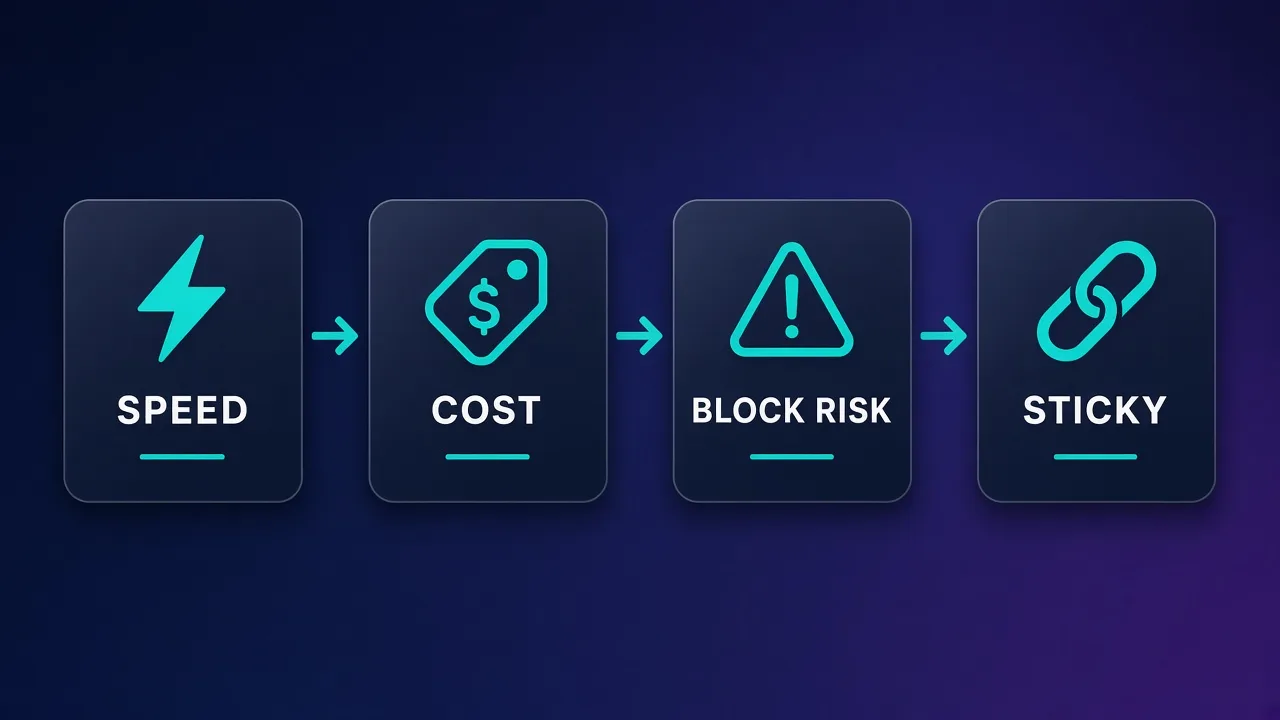
Side-by-side comparison: speed, cost, block risk, sticky fit
Use this table to shortlist a type before you pick a brand. Ratings are directional — your target site and vendor quality still dominate outcomes.
| Dimension | Datacenter | Residential (rotating) | ISP / static residential |
|---|---|---|---|
| Exit sourcing | Hosting / cloud ASN | Consumer ISP peers | ISP or carrier ranges, dedicated |
| Typical speed | Highest, stable | Variable (peer path) | High, usually stable |
| Cost model | Per IP or cheap bandwidth | Mostly per GB | Per IP / month |
| Block risk (logged-in social) | High on many platforms | Medium (sticky helps) | Lower when ASN is clean |
| Block risk (public scrape) | Medium–high on hard targets | Lower with rotation | Often overkill |
| Sticky fit | Good if dedicated; ASN still hosting | Short–medium sticky windows | Excellent (days–months) |
| Best uses | Soft scrapes, APIs, QA, bulk retries | Scale scraping, SERP, ad verify | Account seats, social, messaging |
| Weak fit | Human login personas | Always-on cheap seats | One-off bulk page grabs |
Notice sticky and trust are separate columns. A dedicated datacenter IP is sticky but still hosting. A rotating residential IP can look residential but refuse to stay put. Match both dimensions to the job.
How to choose by use case
Type choice should start from the workflow, not from a discount code.
Large-scale web scraping
Prefer rotating residential for sites that fingerprint hosting or rate-limit by subnet. Use concurrency caps, backoff, and session discipline so you do not torch a geo pool. Datacenter is fine for softer catalogs and internal mirrors. Hybrid stacks (datacenter first, residential on retry) are common when cost matters.
Social login sessions and multi-account ops
Prefer ISP / static residential: one persona, one exit, one anti-detect profile. Sticky residential can bridge gaps when dedicated stock is unavailable, but watch TTL expiry. Avoid commodity datacenter for Instagram, LinkedIn, and similar logged-in work — see the Instagram and LinkedIn guides linked above for sticky playbooks.
SEO monitoring and SERP collection
Volume and geo diversity usually win → residential. Some lighter rank-check endpoints tolerate datacenter. Keep query rates human-ish per exit and align geo with the market you claim to measure.
E-commerce: price intel, drops, checkout tests
Public price scraping → residential rotation. Checkout or account-holder flows that must look like a returning shopper → sticky residential or ISP in the shopper’s city. Datacenter often trips bot scores on major retailers during checkout.
Ad verification and brand safety
You need to see what a user in a city would see → residential (sometimes mobile) with precise geo. Datacenter can skew creatives and bid landscapes.
Messaging apps (Telegram and similar)
Long-lived sockets and device trust favor static / ISP exits. Pair with the right protocol (often SOCKS5 in-app). Our Telegram static proxy guide covers the sticky mindset in more detail.
QA, CI, and soft internal targets
Datacenter is usually enough. Save residential budget for hostile public surfaces.
Decision shortcut
Ask: Does the destination expect a long-lived human identity? If yes → ISP. Does it mainly care that you are not a hosting ASN while you fetch many pages? → Residential. Does it barely care who you are? → Datacenter.
Mobile proxies: the adjacent option
Mobile proxies exit through carrier 4G/5G CGNAT ranges. To many risk systems they look like phone traffic, which can help on app-centric flows, SMS-tied recoveries, and regions where clean ISP inventory is scarce.
They are not a fourth “always better” tier. Expect higher cost, more variable latency, and sticky options that are shorter or pricier than ISP. Use mobile when the target clearly prefers carrier ASNs or when you are debugging an app-only path — not as the default for a 50-seat desktop outreach desk.
For a fuller breakdown of carrier exits, sticky behavior, and when mobile beats ISP, see mobile proxies explained.
Common myths and pitfalls
- “Residential means unblockable.” False. Abused residential subnets get listed. Behavior, fingerprints, and rate still matter. Clean type ≠ clean ops.
- “Datacenter never works.” Also false. Soft targets and non-login jobs love it. The myth comes from teams who used it for the wrong job.
- “ISP and residential are the same.” Both may sit on ISP-looking space, but rotation, billing, and sticky semantics differ. Ask about dedication and TTL.
- “Sticky residential replaces ISP for always-on seats.” Sometimes, for a while. Peer churn and TTL caps make ISP simpler for months-long personas.
- “Protocol choice fixes type mismatch.” Switching HTTP ↔ SOCKS5 does not turn a hosting ASN into a consumer ASN.
- “One proxy pool for every tool.” Scrapers want rotation; account seats want sticky. Mixing them on one product line usually means one of the jobs suffers.
- “Geo label guarantees city accuracy.” Databases lag. Verify with IP intelligence from the exit you actually receive before you warm a geo-sensitive account.
Another quiet pitfall: buying more concurrency than your target or your fingerprint layer can support. Proxies amplify bad automation; they do not fix it.
Cost trade-offs (without fake price tags)
Exact dollars change by vendor, geo, and promo cycle — we will not invent them. The useful frame is unit economics by job.
- Datacenter: Lowest cost per request when it works. Failures are cheap to retry. Expensive in opportunity cost when a banned social account was worth more than a year of ISP seats.
- Residential: You pay for bytes. Headless Chrome with heavy assets can burn GB quickly; prefer APIs, block media, and cache when possible. Great when success rate on hard targets saves engineering time.
- ISP: You pay for time (per IP / month). Idle seats still cost money. Excellent when one account’s lifetime value dwarfs the monthly port fee; wasteful for one-off scrapes.
- Mobile: Premium per GB or per IP. Budget it as a specialist tool, not a blanket replacement.
A practical estimating habit: compute cost per successful outcome (per SKU checked, per seated account-month, per SERP page) rather than cost per GB alone. A “cheap” datacenter pool that needs 10× retries can lose to a pricier residential pool with higher first-pass success — or the reverse on a soft site.
Also budget the non-proxy stack: anti-detect browsers, scrapers, CAPTCHA solvers, and human review. The proxy line item is rarely the whole bill.
Who should pick which?
Pick datacenter if you run high-throughput jobs on tolerant targets, need predictable low latency, or are prototyping pipelines where blocks are acceptable noise. Skip it for valuable logged-in consumer personas.
Pick rotating residential if you scrape or verify at scale, need geo diversity, and can design around rotation or short sticky windows. Skip it when you only need three always-on office-like seats — ISP will be simpler.
Pick ISP / static residential if you operate multi-account social, messaging, or sales seats that must not hop ASN mid-week. Skip it as your only tool for million-page crawls; you will overpay for dedication you do not use.
Add mobile if carrier optics are required, ISP stock is empty in-region, or you are validating mobile-app paths. Keep it scoped.
Many mature teams run more than one type: datacenter for soft paths, residential for hard public surfaces, ISP for account vaults. That is normal. Homogeneous fleets are easier to buy; heterogeneous fleets are easier to keep profitable.
Conclusion
Residential, ISP, and datacenter proxies are different products that share a marketing aisle. Datacenter wins on speed and price when hosting ASNs are tolerated. Residential wins on rotation and consumer optics for scale scraping. ISP / static residential wins on sticky ASN trust for logged-in sessions.
Choose with two axes in mind — how long the identity must last and how harshly the target treats hosting — then verify on your real destinations. Read ASN basics, understand why blocks happen, and match sticky social playbooks to ISP-first setups. When mobile is truly required, treat it as a specialist layer, not a default.
Get the type right first. Brand shopping comes second — and fails less often when the category already fits the job.
Frequently asked questions
Datacenter proxies use hosting or cloud ASNs and are fast and cheap. Residential proxies exit through consumer ISP peers and usually rotate. ISP or static residential proxies give you a long-lived IP on ISP-looking ranges for sticky sessions. The difference is exit IP sourcing and how long you keep the address — not HTTP vs SOCKS5.
Often yes in marketing. Both usually mean a dedicated or long-lived IP on ISP or carrier-branded ranges rather than a rotating peer pool. Always confirm dedication, ASN class, and sticky TTL with the vendor, because labels vary.
Rotating residential is the usual default for hard public targets that fingerprint hosting. Datacenter works well on softer sites and for cost-sensitive bulk fetches with retries. ISP is usually overkill for one-off page collection unless you need a stable identity mid-flow.
Prefer ISP or static residential so each persona keeps one stable exit on an ISP-looking ASN. Sticky residential can work for shorter windows. Commodity datacenter exits often trigger checkpoints on logged-in social because they look like hosting.
Many risk models flag hosting ASNs as higher risk for “real person” sessions. Datacenter IPs are also heavily reused and listed. Speed does not help if the ASN class itself is a signal. Behavior and fingerprints still matter even on residential or ISP exits.
Rotation fits public scraping and jobs that want many short-lived identities. Sticky sessions fit logged-in accounts, messaging apps, and multi-step flows that should not hop IP mid-session. Match sticky length to how long the destination expects the same user to stay online.
Use mobile when carrier 4G/5G optics help — app-only paths, some recoveries, or geos where clean ISP stock is thin. They cost more and can be less stable than ISP seats, so treat them as a specialist layer rather than a blanket upgrade.
Compare cost per successful outcome, not only sticker price. Datacenter is often cheapest per request when it works; residential is usually per GB; ISP is usually per IP per month. Factor retries, banned accounts, and tooling — a cheap pool that fails the job is not cheap.