Table of contents
Puppeteer is one of the most popular Node.js libraries for controlling a headless Chrome browser — excellent for scraping, testing, and automation. But run it at any real scale and you'll hit IP blocks, rate limits, and geo-restrictions fast. The fix is proxies. This guide shows every practical way to use proxies with Puppeteer — a single proxy, authenticated proxies, rotating pools, per-context proxies, and stealth — with working code and the pitfalls that trip people up.
Why use proxies with Puppeteer
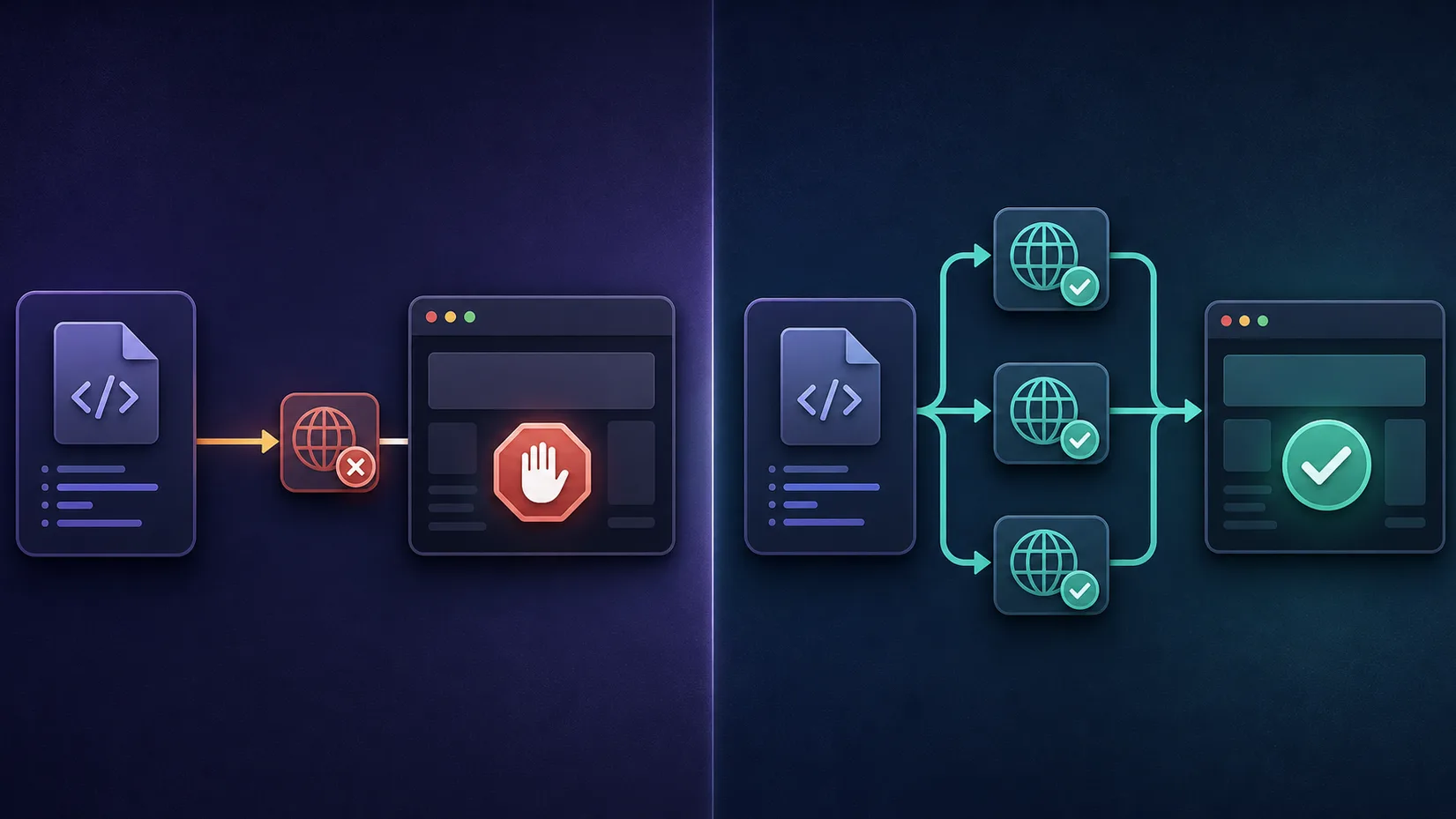
Puppeteer drives a real Chrome browser, which is powerful — but from one machine, every request comes from a single IP address. Hit a site repeatedly and it will rate-limit or block that IP, especially if it runs bot detection. Proxies route your Puppeteer traffic through different IPs, so you can:
- Avoid IP bans and rate limits by spreading requests across many addresses.
- Access geo-specific content by choosing an IP in a target country.
- Scrape at scale without one IP becoming the bottleneck.
- Reduce linkage between sessions when automating multiple accounts.
A proxy isn't a magic cloak, though — sites also fingerprint the browser and watch behaviour, which we cover in how websites detect bots. Proxies handle the IP layer; you still need sane pacing and, often, stealth.
The basic setup: a single proxy
The simplest way to add a proxy is the --proxy-server launch flag:
const puppeteer = require('puppeteer');

(async () => {
  const browser = await puppeteer.launch({
    headless: 'new',
    args: ['--proxy-server=http://PROXY_HOST:PORT'],
  });
  const page = await browser.newPage();
  await page.goto('https://example.com');
  await browser.close();
})();
That routes every request in this browser through the proxy. Use http:// for HTTP/HTTPS proxies and socks5:// for SOCKS proxies. This works as-is for a proxy that needs no username or password.
Using an authenticated (user/pass) proxy
Most commercial proxies require authentication — and here's the catch: the --proxy-server flag can't carry credentials. Put user:pass@ in the flag and Chrome ignores it, leaving you staring at a login prompt. The fix is page.authenticate():
const browser = await puppeteer.launch({
  args: ['--proxy-server=http://PROXY_HOST:PORT'],
});
const page = await browser.newPage();

// --proxy-server can't carry a username/password, so authenticate here:
await page.authenticate({ username: 'USER', password: 'PASS' });

await page.goto('https://api.ipify.org');
const ip = await page.evaluate(() => document.body.textContent);
console.log('Exit IP:', ip);
Loading an IP-echo endpoint like api.ipify.org and printing the result is also the quickest way to confirm the proxy is actually being used.
The credentials gotcha
Putting the username and password in --proxy-server=http://user:pass@host:port does not work in Chrome — you'll be met with a proxy auth dialog and hung requests. Always pass credentials through page.authenticate() (per page), or handle them with a helper like proxy-chain.
Cleaner auth with proxy-chain
Calling page.authenticate() on every page gets repetitive, and it doesn't help when a library expects a single proxy URL. The popular proxy-chain package spins up a local proxy that forwards to your authenticated upstream, giving you one clean URL to hand to --proxy-server:
const puppeteer = require('puppeteer');
const proxyChain = require('proxy-chain');

(async () => {
  const oldProxy = 'http://USER:PASS@PROXY_HOST:PORT';
  const newProxy = await proxyChain.anonymizeProxy(oldProxy);

  const browser = await puppeteer.launch({
    args: [`--proxy-server=${newProxy}`],
  });
  // ... use the browser ...
  await browser.close();
  await proxyChain.closeAnonymizedProxy(newProxy, true);
})();
This is especially handy for rotation and for plugins that only accept a proxy string rather than a per-page auth call.
Rotating proxies
Rotation is what actually keeps you unblocked at scale. There are two common approaches.
Option A: a single rotating endpoint (easiest)
Many providers give you one gateway hostname that rotates the exit IP for you automatically — you don't manage a list at all:
// Many providers give you ONE rotating endpoint — no list to manage.
// The provider swaps the exit IP for you on each new connection.
const browser = await puppeteer.launch({
  args: ['--proxy-server=http://gateway.provider.com:7777'],
});
const page = await browser.newPage();
await page.authenticate({ username: 'USER', password: 'PASS' });
Every new connection (or every few minutes, depending on the plan) exits from a different IP. This is the simplest and most reliable option for most scraping — see how rotating proxies work for the mechanics.
Option B: rotate a list yourself
If you have a list of individual proxies, cycle through them — launching a fresh browser per proxy and handling failures gracefully:
const proxies = [
  'http://user:pass@host1:port',
  'http://user:pass@host2:port',
  'http://user:pass@host3:port',
];

for (const proxy of proxies) {
  const anon = await proxyChain.anonymizeProxy(proxy);
  const browser = await puppeteer.launch({ args: [`--proxy-server=${anon}`] });
  const page = await browser.newPage();

  try {
    await page.goto('https://example.com/target', { timeout: 30000 });
    // ... scrape this page ...
  } catch (err) {
    console.error('Failed on', proxy, err.message);
  } finally {
    await browser.close();
    await proxyChain.closeAnonymizedProxy(anon, true);
  }
}
Launching a new browser per proxy is heavier but gives the cleanest isolation; browser contexts (below) are a lighter alternative.
Per-context proxies (a different IP per context)
Recent Puppeteer versions (v22+) let each browser context use its own proxy, so you can run several isolated sessions — each with a different IP — inside one browser process:
const browser = await puppeteer.launch();

// Puppeteer v22+ lets each context use its own proxy
const context = await browser.createBrowserContext({
  proxyServer: 'http://PROXY_HOST:PORT',
});
const page = await context.newPage();
await page.authenticate({ username: 'USER', password: 'PASS' });
await page.goto('https://example.com');
await context.close();
Each context has its own cookies and storage as well as its own proxy, which is ideal for handling multiple accounts or parallel scrape targets efficiently — far lighter than spawning a whole browser per IP.
Add stealth so the proxy isn't wasted
A clean IP won't save you if the browser screams "automation." Puppeteer leaks signals like navigator.webdriver that detection scripts look for. Pairing proxies with puppeteer-extra and its stealth plugin patches many of these tells:
const puppeteer = require('puppeteer-extra');
const StealthPlugin = require('puppeteer-extra-plugin-stealth');
puppeteer.use(StealthPlugin());

const browser = await puppeteer.launch({
  args: ['--proxy-server=http://PROXY_HOST:PORT'],
});
Proxies hide your IP; stealth hides the browser. For non-trivial targets you usually need both.
Verify the proxy is actually working
Never assume — confirm the exit IP before a real run. As shown in the authentication example, navigate to an IP-echo endpoint (api.ipify.org) and read the body; the IP it returns should be the proxy's, not your real one. It's also worth checking for DNS or WebRTC leaks on tough targets, since those can betray your true location even behind a proxy. Build this check into your startup routine so a silently-failed proxy never sends a whole scraping run out through your real IP.
Which proxies work best with Puppeteer
The proxy type matters as much as the code:
- Residential proxies — IPs from real homes; the default for most scraping because sites trust them and they're hard to block.
- Mobile proxies — the most trusted (shared carrier IPs), best for the strictest targets, but the priciest.
- Datacenter proxies — cheap and fast, fine for lenient sites or high-volume non-sensitive work, but easily detected.
- Rotating vs sticky — rotating to spread many requests; sticky sessions when you must stay on one IP (a logged-in flow).
A few providers that pair well with Puppeteer scraping:
ProxyEmpire — best all-round pick for Puppeteer
Residential, mobile and static ISP proxies across 170+ countries, with both HTTP and SOCKS5 and a choice of rotating or sticky sessions — so one account covers wide rotating scrapes and the logged-in, per-context flows shown above. Its rollover data carries unused bandwidth into the next month, which suits the uneven traffic Puppeteer jobs tend to produce. The pool is smaller than the very largest networks, so extremely high-volume operations may still want a bigger provider alongside it.

ProxyEmpire
ProxyEmpire wins on flexibility. Rollover data is a genuinely rare, customer-friendly policy — unused traffic carries forward instead of evaporating at month end — and the targeting reaches city and ISP level on a network that covers 170+ countries. The pool is smaller than the market leaders and speeds are solid rather than spectacular, so very high-volume operations may want a bigger network. SOCKS5 support and sticky sessions round out a capable feature set. For individuals and mid-sized teams who want fair, flexible, ethically sourced proxies, ProxyEmpire is a strong value pick.
Bright Data — largest pool, most granular
Huge residential and mobile networks with fine city/ASN targeting and scraping tooling — the go-to for demanding, large-scale jobs.
Bright Data
Bright Data remains the most complete data-collection platform money can buy. No competitor matches its combination of network scale, targeting granularity, and compliance tooling — and for enterprise teams whose revenue depends on reliable data, that completeness justifies the premium. The trade-offs are real: it is one of the priciest providers per gigabyte, the interface overwhelms newcomers, and KYC verification adds friction before you can route a single request. Smaller projects will get better value from Decodo or IPRoyal. But if you need city-level residential targeting at scale, a managed unblocker for the hardest targets, and audit-ready compliance, Bright Data is the default — and our highest-rated proxy provider overall.
Oxylabs — reliable at scale
A large, well-maintained network with dependable performance, popular for serious, consistent data operations.

Oxylabs
Oxylabs is the enterprise provider that gets the fundamentals right. The network is huge and well-maintained, the scraper APIs are genuinely best-in-class, and the documentation and SDKs make integration faster than almost any competitor. What sets it apart from Bright Data is service: dedicated account managers, responsive support, and cleaner tooling mean less time fighting the platform and more time shipping. The cost is higher entry pricing, and the deepest discounts favor high-volume commitments. For serious commercial data operations that can justify the spend, Oxylabs is a top-two choice and frequently the one teams stay with long-term.
IPRoyal — budget-friendly
Affordable residential and mobile options that are easy to plug into Puppeteer, good for getting started without overspending.

IPRoyal
IPRoyal is the best pure pay-as-you-go deal in proxies. Non-expiring traffic is a genuinely customer-friendly policy that no major rival matches — buy what you need, use it whenever, lose nothing. The pool is smaller than the premium networks and success rates can soften on the most heavily defended targets, so high-volume enterprise scraping is not its strength. The dashboard is also fairly basic. For intermittent scraping, account work, and sneaker copping on a predictable budget, IPRoyal is an easy recommendation and one of the best value picks for occasional users.
For more, see our best rotating proxies roundup and the sibling guide on best proxies for Playwright, or browse the proxy directory.
Save proxy bandwidth by blocking heavy resources
Residential and mobile proxies are usually billed by bandwidth, so loading images, fonts, and media you don't need burns money and slows every request. Use request interception to abort them:
await page.setRequestInterception(true);
page.on('request', (req) => {
  const blocked = ['image', 'media', 'font'];
  if (blocked.includes(req.resourceType())) {
    req.abort();
  } else {
    req.continue();
  }
});
For pure data scraping this can cut bandwidth (and cost) dramatically while making pages load faster over the proxy. Keep stylesheet and script if the site needs them to render the content you're after.
Match headers, user agent and timezone to the proxy
A US exit IP paired with a headless default user agent and a European timezone is a contradiction detectors notice. Align your browser environment with the proxy's location:
await page.setUserAgent(
  'Mozilla/5.0 (Windows NT 10.0; Win64; x64) AppleWebKit/537.36 ' +
  '(KHTML, like Gecko) Chrome/120.0 Safari/537.36'
);
await page.setExtraHTTPHeaders({ 'Accept-Language': 'en-US,en;q=0.9' });
await page.emulateTimezone('America/New_York');
Consistency across IP, headers, language and timezone is exactly what makes automated traffic blend in — the same principle behind geo-targeting.
A reusable retry-with-rotation helper
Individual proxies fail — that's normal. Wrap your fetch in a helper that retries on a fresh IP instead of crashing the run:
async function fetchWithRetry(url, proxies, maxTries = 3) {
  for (let i = 0; i < maxTries; i++) {
    const proxy = proxies[i % proxies.length];
    const anon = await proxyChain.anonymizeProxy(proxy);
    const browser = await puppeteer.launch({ args: [`--proxy-server=${anon}`] });
    try {
      const page = await browser.newPage();
      await page.goto(url, { timeout: 30000 });
      return await page.content();
    } catch (err) {
      console.warn(`Try ${i + 1} failed:`, err.message);
    } finally {
      await browser.close();
      await proxyChain.closeAnonymizedProxy(anon, true);
    }
  }
  throw new Error('All proxy attempts failed');
}
This is the single most impactful reliability pattern for proxy-based scraping: a block on one IP simply moves you to the next, and only a genuine, repeated failure stops the job.
Best practices
- Rotate IPs and add human-like delays between requests — don't hammer a site at machine speed.
- Retry on failure with a fresh IP rather than giving up on the first block.
- Match headers and locale to the proxy's region for consistency.
- Use contexts for parallelism instead of one giant browser, for isolation and lower overhead.
- Handle errors and timeouts so one dead proxy doesn't crash the whole run.
- Respect robots.txt, rate limits, and terms of the sites you scrape.
Common errors and fixes
| Symptom | Likely cause | Fix |
|---|---|---|
| ERR_NO_SUPPORTED_PROXIES | Malformed proxy value or unsupported scheme | Use http://host:port; for SOCKS use socks5://host:port |
| A proxy login prompt appears | Proxy needs auth but you didn't authenticate | Call page.authenticate() or use proxy-chain |
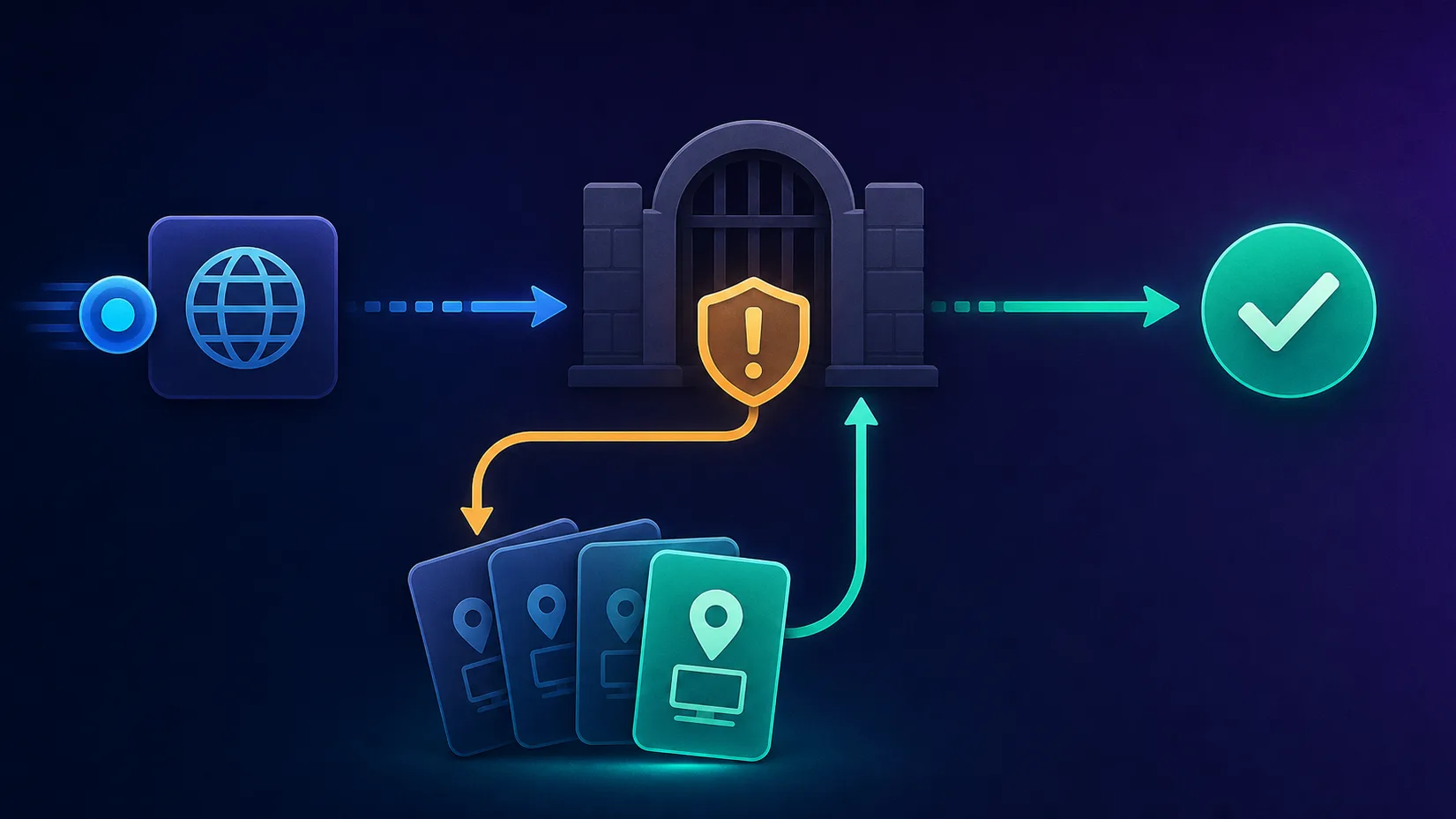
| ERR_PROXY_CONNECTION_FAILED | Wrong host/port, dead proxy, or firewall | Verify the endpoint/credentials; try another IP |
| Pages time out or crawl | Distant or overloaded proxy | Pick a closer/faster IP; raise the timeout; retry |
| Still getting blocked | Fingerprint or behaviour, not just the IP | Add stealth, human-like delays, and better proxies |
Puppeteer vs Playwright for proxies
If you're choosing a tool, it's worth knowing how they compare on proxies. Playwright was designed with proxies as a first-class feature: you can pass a proxy option — including username and password — directly to browser.newContext(), so authenticated per-context proxies work out of the box with no helper needed. Puppeteer is a little more manual: credentials go through page.authenticate() or proxy-chain, and per-context proxies only arrived in newer versions. Both are fully capable for proxy-based scraping, and the patterns in this guide cover Puppeteer's rough edges. If you're weighing the two, our guide to the best proxies for Playwright covers the other side.
The bottom line
Using proxies with Puppeteer comes down to a few patterns: add a proxy with --proxy-server, authenticate with page.authenticate() (or proxy-chain), rotate either via a provider's gateway or your own list, and isolate sessions with per-context proxies. Layer stealth on top, verify your exit IP, choose residential or mobile proxies for tough targets, and build in retries. Get those right and Puppeteer will scrape and automate reliably at scale — just remember proxies handle the IP, not your behaviour, so pace yourself and respect the sites you visit. And if your carefully-proxied scraper still gets blocked, the cause is usually a detection layer beyond the IP — our guide on why proxies get blocked explains what to check next.
Frequently asked questions
Pass the proxy to Chrome with the launch argument --proxy-server, for example puppeteer.launch({ args: ['--proxy-server=http://HOST:PORT'] }). Use http:// for HTTP/HTTPS proxies and socks5:// for SOCKS. Every request in that browser then routes through the proxy.
The --proxy-server flag can't carry credentials — Chrome ignores user:pass@ in the URL and shows a login prompt. Instead call page.authenticate({ username, password }) after creating the page, or use the proxy-chain package to wrap the authenticated proxy into a single local URL you can pass to --proxy-server.
Two ways. The easiest is to use a provider's single rotating gateway endpoint, which swaps the exit IP for you automatically. Alternatively, keep a list of proxies and loop through them, launching a new browser or browser context per proxy and handling failures. Rotation is what keeps you unblocked at scale.
Yes, in recent Puppeteer versions (v22 and later) you can pass a proxyServer option to browser.createBrowserContext(), so each context has its own IP plus its own cookies and storage. This is much lighter than launching a separate browser per proxy and is ideal for running multiple isolated sessions in parallel.
Residential proxies are the default because their IPs come from real homes and are trusted by sites. Mobile proxies are the most trusted for the strictest targets but cost more. Datacenter proxies are cheap and fast but easily detected, so use them only on lenient sites. Rotating pools suit high request volumes; sticky sessions suit logged-in flows.
Common causes are a malformed proxy value (ERR_NO_SUPPORTED_PROXIES), missing authentication (which triggers a login prompt), or a dead endpoint (ERR_PROXY_CONNECTION_FAILED). Check the proxy URL format, authenticate with page.authenticate(), verify the credentials and endpoint, and confirm the exit IP by loading an IP-echo page like api.ipify.org.
For non-trivial targets, usually yes. A proxy hides your IP, but Puppeteer still leaks automation signals like navigator.webdriver that bot-detection scripts look for. Adding puppeteer-extra with the stealth plugin patches many of those tells, so proxies and stealth together are far more effective than either alone.
Using Puppeteer and proxies is legal, and scraping publicly available data is lawful in many contexts, but it can still violate a website's terms of service, and some data (personal, copyrighted, or behind a login) carries real legal risk. Proxies and stealth are technical tools, not legal permission — understand the rules and laws that apply to your specific use case.