Table of contents
It's the question almost everyone asks when they first set up an antidetect browser: do I actually need proxies too, or does the browser handle everything? The short answer is that in nearly every real use case, yes — you need proxies. An antidetect browser and a proxy solve two different halves of the same problem, and using one without the other leaves a gaping hole in your setup. This guide explains why, when you can skip proxies, what kind to use, and how the two work together.
The short answer
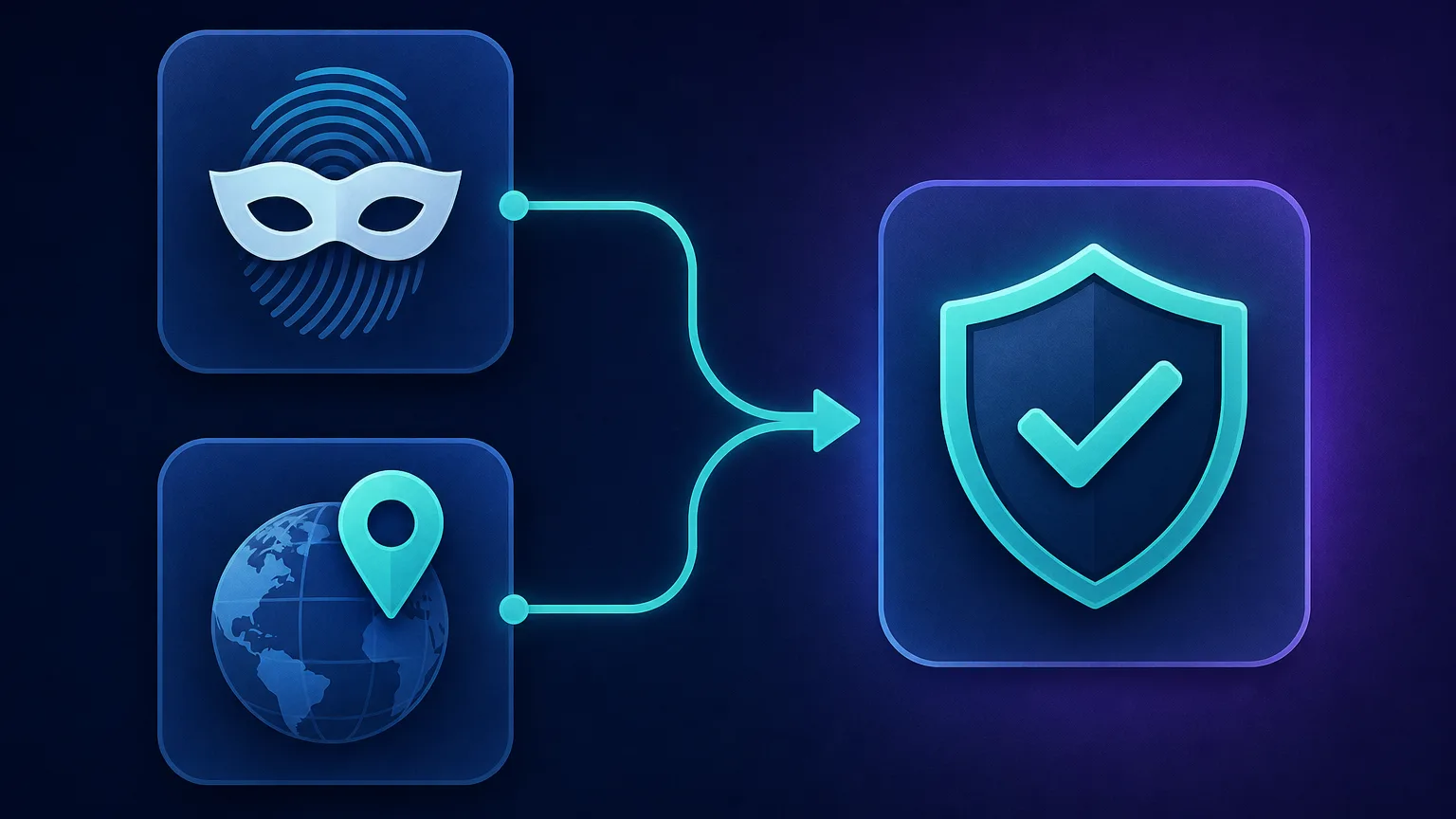
An antidetect browser hides who your device is (its fingerprint). A proxy hides where you are (your IP address). Websites check both. So if you use a great antidetect browser but connect from your real IP — or worse, run several profiles through the same IP — the platform can still see that all your activity comes from one place, and it links or blocks your accounts anyway. For multi-accounting, scraping, ad verification, or anything at scale, proxies aren't optional; they're the other half of the disguise.
What each tool actually does
They're complementary, not interchangeable:
| Antidetect browser | Proxy | |
|---|---|---|
| Hides | Your device fingerprint | Your IP address / location |
| Controls | User agent, canvas, WebGL, fonts, timezone, cookies | The IP the site sees, and its geolocation |
| Answers the question | "What device is this?" | "Where is this user?" |
| Alone, it leaks… | Your real IP | Your real fingerprint |
Because sites fingerprint the device and log the IP, covering only one still leaves you identifiable by the other. For the full picture of what platforms look at, see our explainer on how websites detect bots.
Why the browser alone isn't enough
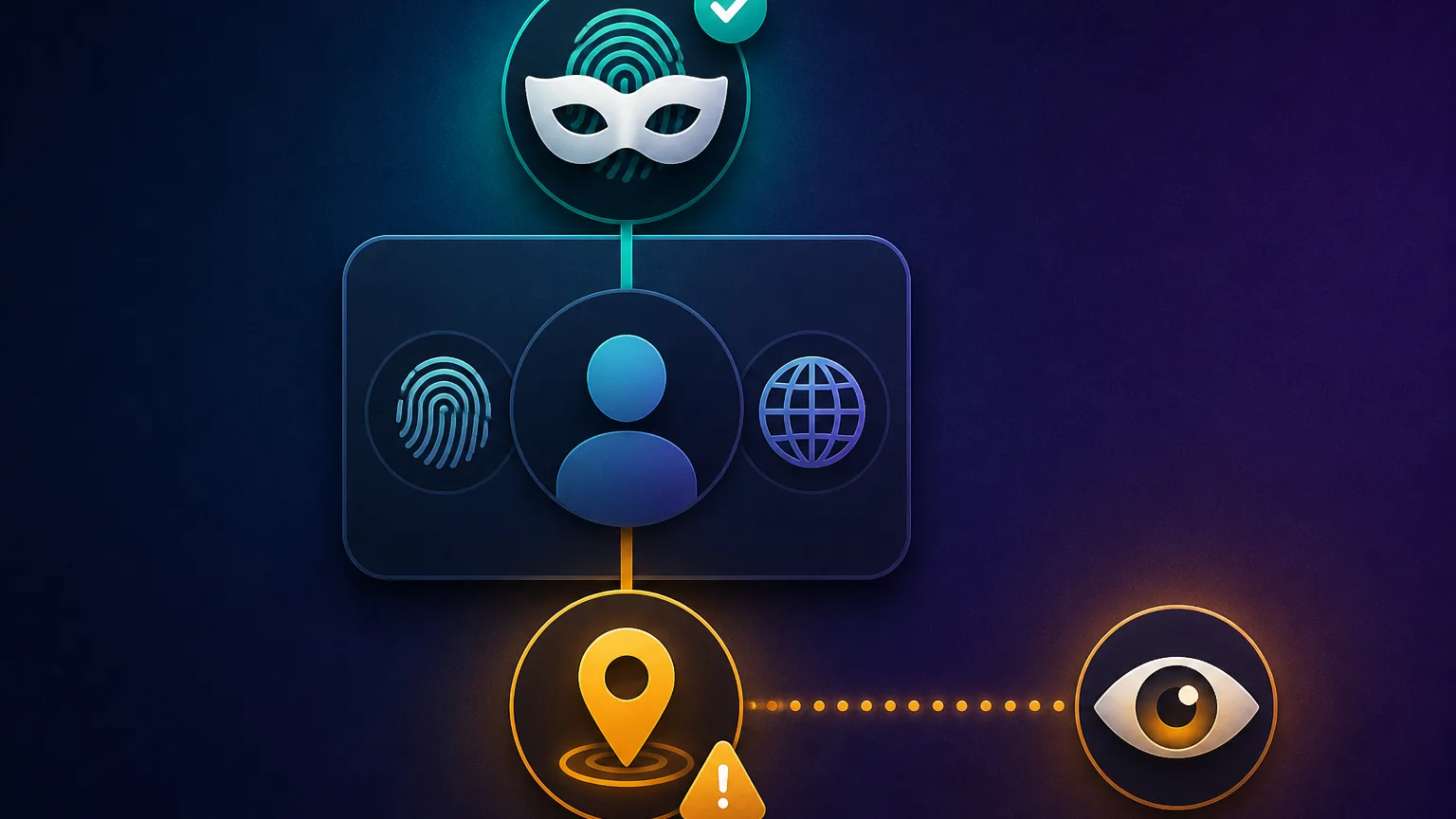
Say you spin up five perfectly-fingerprinted profiles in an antidetect browser but run them all from your home connection. Every one of those profiles shares a single IP address. To the platform, that's five "different devices" that always appear from the exact same place at the same time — a pattern no set of real, unrelated users would ever produce. The IP ties them together, and the fingerprinting you paid for is wasted. Worse, if your real IP is a residential line tied to your identity, you've just linked all that activity back to you.
When you genuinely need proxies
For the great majority of antidetect-browser use cases, proxies are essential:
- Multi-accounting. Running several accounts on one platform — the classic case. Each profile needs its own IP or they get linked. See our guide to antidetect browsers for social media.
- Web scraping. Many requests from one IP are throttled or blocked fast; proxies spread them across many addresses.
- Geo-specific work. To appear in a particular country or city (for localized prices, ads, or content), you need an IP that lives there — that's geo-targeting.
- Ad verification & market research. Checking how campaigns or sites render to real users in different regions.
- E-commerce & reselling. Managing multiple seller or buyer accounts that must not be connected.
When you might not need proxies
To be balanced — there are narrow cases where you can skip them:
- A single profile for your own privacy. If you're just using one antidetect profile to reduce fingerprint tracking on your own legitimate accounts, your real IP may be fine.
- Local testing or development. Trying out fingerprints, or QA-testing your own site's behaviour, doesn't always require a different IP.
- Separating identities on one connection where linking doesn't matter. If it's genuinely fine for two profiles to share an IP (they're not meant to look unrelated), you can skip proxies.
The rule of thumb: the moment two profiles must look like two unrelated people, you need a separate proxy for each. If that's never the goal, you may not.
Your real IP is always exposed without a proxy
An antidetect browser does nothing to your IP address. Connect without a proxy and every site sees your real one — including its ISP, city, and reputation. For anything where being traced back or linked matters, that alone is reason enough to use a proxy.
What kind of proxy should you use?
Not all proxies are equal for this. The type you pick affects how trusted your profiles look:
| Proxy type | Trust level | Best for |
|---|---|---|
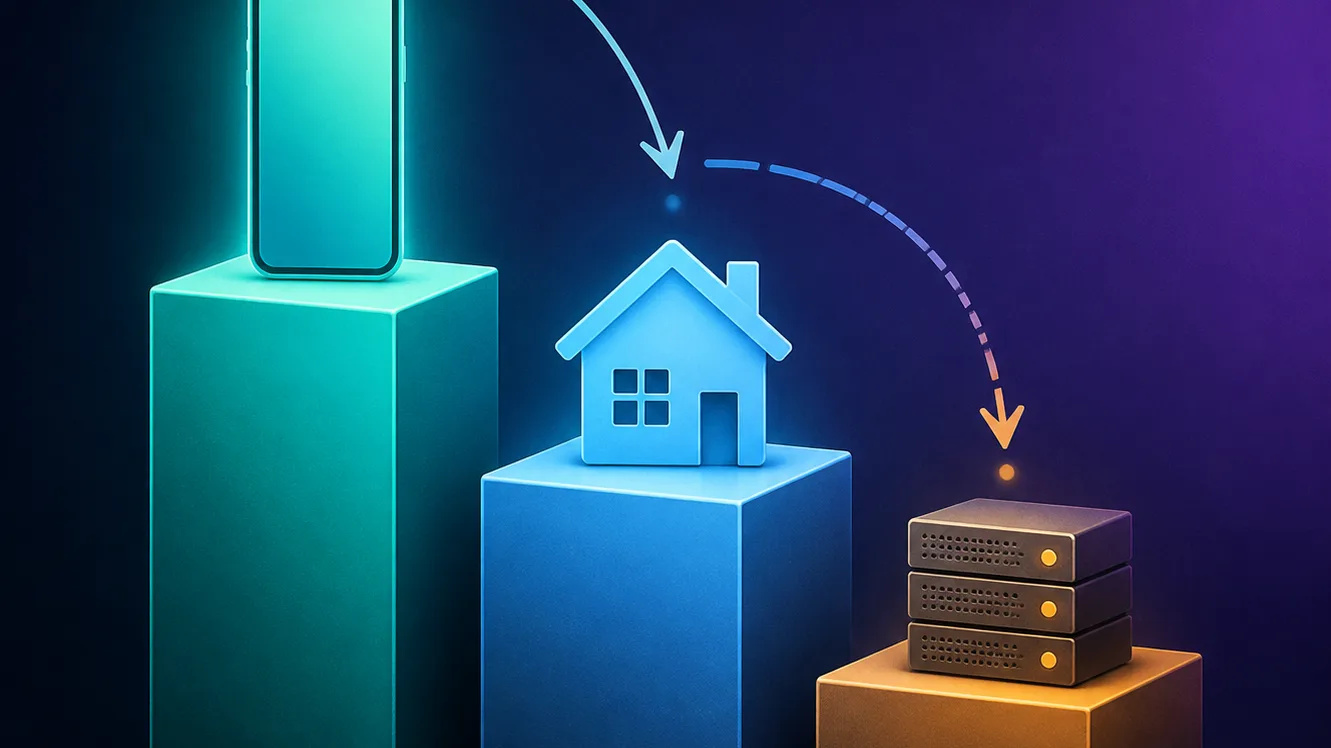
| Mobile | Highest | Strict platforms, high-value social accounts |
| Residential | High | Most multi-accounting and scraping |
| ISP (static residential) | High + stable | Accounts needing a fixed, trusted IP |
| Datacenter | Lowest | Cheap bulk tasks on lenient sites only |
Residential and mobile proxies are the default choice because their IPs belong to real homes and phones, so platforms trust them. Mobile IPs are the most trusted of all — because carrier-grade NAT puts thousands of real users behind each address, sites are very reluctant to block them. Datacenter IPs are cheap but easily spotted and widely blocked, so avoid them for account-sensitive work. Our guides on types of proxies and mobile proxies go deeper.
How the two work together
In practice, pairing them is simple: an antidetect browser lets you assign a separate proxy to each profile in that profile's settings. You paste in the proxy's host, port and credentials, the browser routes only that profile through it, and from then on the profile has both a unique fingerprint and a unique IP. The golden rule is one profile, one proxy — a dedicated IP per identity — and to keep the fingerprint's timezone and language matched to the proxy's location so nothing contradicts.
One profile, one proxy — matched to its location
Assign each profile its own dedicated IP, and set the profile's timezone and language to match that IP's country. A profile that says "New York" while its IP is in Germany is an instant red flag — consistency across both layers is what makes the disguise hold.
Which proxies pair best with antidetect browsers
For account-sensitive work you want clean, well-maintained residential or mobile pools. A few providers that consistently pair well:
ProxyEmpire — residential, mobile and static ISP in one place
It covers all three IP types an antidetect setup tends to need: rotating residential, mobile for the strictest platforms, and static residential (ISP) IPs when a profile needs the same trusted address every session. Sticky sessions, SOCKS5 support and city- or ISP-level targeting make it easy to match each profile's proxy to its timezone and locale, and it lists integrations with antidetect browsers such as Multilogin and GoLogin. Rollover data keeps unused bandwidth from expiring at month end.

ProxyEmpire
ProxyEmpire wins on flexibility. Rollover data is a genuinely rare, customer-friendly policy — unused traffic carries forward instead of evaporating at month end — and the targeting reaches city and ISP level on a network that covers 170+ countries. The pool is smaller than the market leaders and speeds are solid rather than spectacular, so very high-volume operations may want a bigger network. SOCKS5 support and sticky sessions round out a capable feature set. For individuals and mid-sized teams who want fair, flexible, ethically sourced proxies, ProxyEmpire is a strong value pick.
IPRoyal — flexible residential and mobile
A popular, budget-friendly choice with residential and mobile options and per-profile-friendly access, good for getting started without overspending.

IPRoyal
IPRoyal is the best pure pay-as-you-go deal in proxies. Non-expiring traffic is a genuinely customer-friendly policy that no major rival matches — buy what you need, use it whenever, lose nothing. The pool is smaller than the premium networks and success rates can soften on the most heavily defended targets, so high-volume enterprise scraping is not its strength. The dashboard is also fairly basic. For intermittent scraping, account work, and sneaker copping on a predictable budget, IPRoyal is an easy recommendation and one of the best value picks for occasional users.
SOAX — clean pools with fine geo control
Strong residential and mobile networks with granular country/city targeting, useful when your profiles need specific, trusted locations.

SOAX
SOAX is the targeting specialist. City- and ISP-level selection on every plan — not locked behind premium tiers — is genuinely rare, and the continuously cleaned pool keeps success rates high where it matters. It is not the fastest network, the interface could use a refresh, and SOCKS5 coverage is uneven. Those are real but minor gripes against a provider that nails the fundamentals of precision and reliability. For ad verification, localized market research, and social-media work that depends on appearing in an exact location, SOAX is one of the best mid-market options available.
NodeMaven — quality-filtered residential IPs
Focuses on high-quality, low-risk residential IPs with sticky sessions, a good fit for keeping sensitive accounts stable and unflagged.

NodeMaven
NodeMaven's quality-filtered pool is a genuinely different pitch in a market obsessed with pool size, and it works: the IPs you get are noticeably cleaner, and holding one for a day makes account workflows far more stable than typical 10–30 minute sticky windows. You pay more per gigabyte than at budget providers, and raw-volume scrapers should look elsewhere — this is a precision tool. For multi-accounting through anti-detect browsers and any workflow where one flagged IP costs you an account, NodeMaven justifies its premium.
Sticky or rotating proxies for account work?
Proxies come in two session styles, and the right one depends on the job. Sticky (dedicated) sessions keep you on the same IP for a long time — this is what you want for account management, because a social or e-commerce account that suddenly jumps IPs and countries looks compromised and triggers security checks. Rotating sessions give you a fresh IP on every request or every few minutes, which is ideal for scraping where you want to spread many requests across many addresses but don't care about staying logged in. Rule of thumb: sticky IPs for logged-in accounts, rotating IPs for large-scale data collection.
How many proxies do you actually need?
For account work the math is simple: one dedicated proxy per profile. Ten social accounts means ten profiles and ten IPs. Trying to save money by sharing IPs across accounts is exactly what links them, so it's a false economy. For scraping it's different — a single rotating residential endpoint can stand in for thousands of IPs, so you buy bandwidth rather than counting individual addresses. Decide which model you're in before you buy: per-IP for identities, per-gigabyte for data.
HTTP or SOCKS5 — which protocol?
Antidetect browsers accept both HTTP(S) and SOCKS5 proxies, and for most users either works fine. SOCKS5 is a lower-level protocol that passes traffic through without interpreting it, which some users prefer for flexibility; HTTP(S) proxies are the most common and perfectly capable for browser traffic. Whichever your provider gives you, you'll enter the same details (host, port, username, password) into the profile's proxy settings. Don't overthink it — pick whatever your provider recommends, and make sure the credentials are correct.
How to check your proxy is actually working
Never assume the proxy is applied — verify it per profile before doing anything important:
- Confirm the IP changed. Open an IP-lookup page inside the profile and check it shows the proxy's IP and country, not your real one.
- Check for a WebRTC leak. A misconfigured setup can leak your real IP via WebRTC even when the proxy is active; a good antidetect browser blocks this, but confirm it.
- Verify the location matches. Make sure the IP's country lines up with the profile's timezone and language.
- Test each profile separately. Different profiles use different proxies, so checking one doesn't confirm the rest.
Two minutes of checking prevents the most common disaster: running a whole session on your real IP because a proxy silently failed.
Common mistakes to avoid
- Sharing one proxy across profiles. The fastest way to get accounts linked — it defeats the whole point.
- Using free or public proxies. They're often already flagged, overloaded, or outright dangerous (some log or inject traffic). For sensitive work, they do more harm than good.
- Datacenter IPs for social/e-commerce. Cheap but easily detected and widely banned — a false economy.
- Geo mismatch. An IP and fingerprint pointing to different countries contradict each other and raise flags.
- Ignoring IP reputation. Even a residential IP that's been abused before can be flagged — clean, well-maintained pools matter.
What about cost?
Here's the reality many people don't expect: the proxies often cost more than the antidetect browser itself, especially residential and mobile ones, which are usually priced by bandwidth or per-IP. Budget for both. A common approach is to start with a modest residential plan while you're testing your workflow, then scale IPs as you add profiles. Don't be tempted to cut this corner with cheap datacenter or free proxies — on account-sensitive platforms, a weak IP undoes everything the browser does, and replacing banned accounts costs far more than good proxies would have.
Why not just use a VPN instead?
A common follow-up: if you need to change your IP, why not pair the antidetect browser with a cheap VPN rather than proxies? The problem is that a VPN gives your whole device one shared IP, so every profile you run goes out through the same address — which links them exactly like using no proxy at all. VPN exit IPs are also shared by many users and are frequently recognised and blocked by strict platforms, and you can't assign a different VPN IP to each profile the way you can with proxies. Proxies win here precisely because they let you give each profile its own distinct IP, which is the entire point of multi-accounting. A VPN protects one identity's privacy; proxies enable many separate identities — different jobs entirely.
The bottom line
For almost everyone using an antidetect browser seriously, the answer to "do I need proxies?" is a clear yes. The browser and the proxy cover two different signals — your fingerprint and your IP — and platforms check both, so covering only one leaves you exposed. The rare exceptions are single-profile privacy use or local testing where linking simply doesn't matter. Everywhere else, follow the rule: one profile, one clean residential or mobile proxy, matched to a consistent location. Get that pairing right and your profiles genuinely look like separate people; get it wrong, and even the best antidetect browser can''t save you. If your setup still runs into trouble, our guides on why proxies get blocked and choosing the right antidetect browser are the logical next reads.
Frequently asked questions
In almost all real use cases, yes. The antidetect browser hides your device fingerprint, but your IP address is a separate signal that platforms also check. For multi-accounting, scraping, or geo-specific work you need a proxy — ideally a dedicated one per profile — or your accounts get linked by their shared IP.
You can, but you'll connect from your real IP, which every site can see. That's only acceptable for narrow cases like a single privacy profile or local testing. The moment two profiles need to look like unrelated people, each needs its own proxy.
Residential and mobile proxies are the standard choice because their IPs belong to real homes and phones, so platforms trust them. Mobile IPs are the most trusted since many real users share each carrier address. Avoid datacenter proxies for account-sensitive work — they're cheap but easily detected and widely blocked.
Yes, for multi-accounting. The whole point is that each profile looks like a different person, and sharing one IP across profiles links them together regardless of fingerprint. The golden rule is one profile, one dedicated proxy, with the fingerprint's location matched to the IP.
It's strongly discouraged. Free and public proxies are often already flagged, overloaded, or unsafe — some log or tamper with your traffic. For any account-sensitive work they do more harm than good; a modest paid residential plan is far safer and more reliable.
No, not for anything involving multiple accounts or scale. They cover the fingerprint layer only, leaving your IP exposed. A platform that sees many 'different' profiles all from one IP will link them, so the browser needs a proxy to complete the disguise.
Every antidetect browser has a per-profile proxy setting where you enter the proxy's host, port, username and password. The browser then routes that profile through that IP. Assign a separate proxy to each profile and match the profile's timezone and language to the proxy's country.
Often the proxies cost more, especially residential and mobile ones, which are usually priced by bandwidth or per IP. Budget for both, and don't cut costs with cheap datacenter or free proxies on sensitive platforms — a weak IP undermines everything the browser does, and replacing banned accounts is far more expensive.