Table of contents
"Should we build this with no-code, low-code, or hand-written code?" is one of the most consequential early decisions in any software project — and one of the most misunderstood. Pick the wrong approach and you'll either overspend building something a drag-and-drop tool could have handled in a weekend, or paint yourself into a corner with a platform that can't do what you need. This guide explains what no-code, low-code, and traditional development actually are, how they differ, their honest pros and cons, and a clear framework for choosing the right one for your project.
The three approaches at a glance
All three build software; they differ in how much code you write and therefore how much control, speed and complexity you're trading off:
- No-code — build apps visually with drag-and-drop, no programming required. Fastest to start, most limited in flexibility.
- Low-code — mostly visual, but with the option to drop into real code for the tricky bits. A middle ground of speed and flexibility.
- Traditional (pro-code) — write the software by hand in a programming language. Slowest and most demanding, but unlimited control.
There's no universal winner. The right choice depends on your project's complexity, your team's skills, your budget, and how much you'll need to customise and scale.
What is no-code development?
No-code platforms let you build functional applications entirely through a visual interface — dragging components, configuring them in menus, and connecting them with simple logic, all without writing a single line of code. Think website builders like Webflow, app builders like Bubble, database tools like Airtable, and automation platforms like Zapier.
The magic is abstraction: the platform has pre-built all the underlying code and hides it behind a visual editor. You assemble ready-made blocks instead of programming from scratch. That makes no-code astonishingly fast for the right use cases — a landing page, a simple internal tool, an automated workflow — and puts building software in reach of people who can't code at all.
What is low-code development?
Low-code sits in the middle. Like no-code, it's primarily visual and drag-and-drop, so you build fast. But crucially, it lets developers drop into real code when they need custom logic, integrations or behaviour the visual tools can't express. Platforms like OutSystems, Mendix, Microsoft Power Apps and Retool are built for this — rapid assembly for the 80% that's standard, hand-written code for the 20% that's unique.
Low-code is aimed largely at businesses and developers who want the speed of visual building without the ceiling of pure no-code. It's especially popular for internal business apps, dashboards and enterprise workflows where you need to move fast but still customise.
What is traditional (pro-code) development?
Traditional development is what most people picture as "programming": skilled developers writing the application by hand in languages like JavaScript, Python, Java or Swift, using frameworks, version control and full engineering practices. Nothing is hidden or pre-assembled — you (and your team) build and control every layer.
This is the slowest and most resource-intensive path, requiring experienced developers and more time. In return, you get unlimited flexibility: any feature, any integration, any performance optimisation, and no platform telling you what you can't do. It's how the most complex, custom, high-scale and performance-critical software gets built.
The spectrum: abstraction vs control
The clearest way to understand these three is as points on a single spectrum. On one end, maximum abstraction (no-code) gives you speed and accessibility but hides the machinery. On the other, maximum control (traditional) gives you unlimited power but demands expertise and time. Low-code deliberately sits in between, letting you slide toward code only when a project needs it.
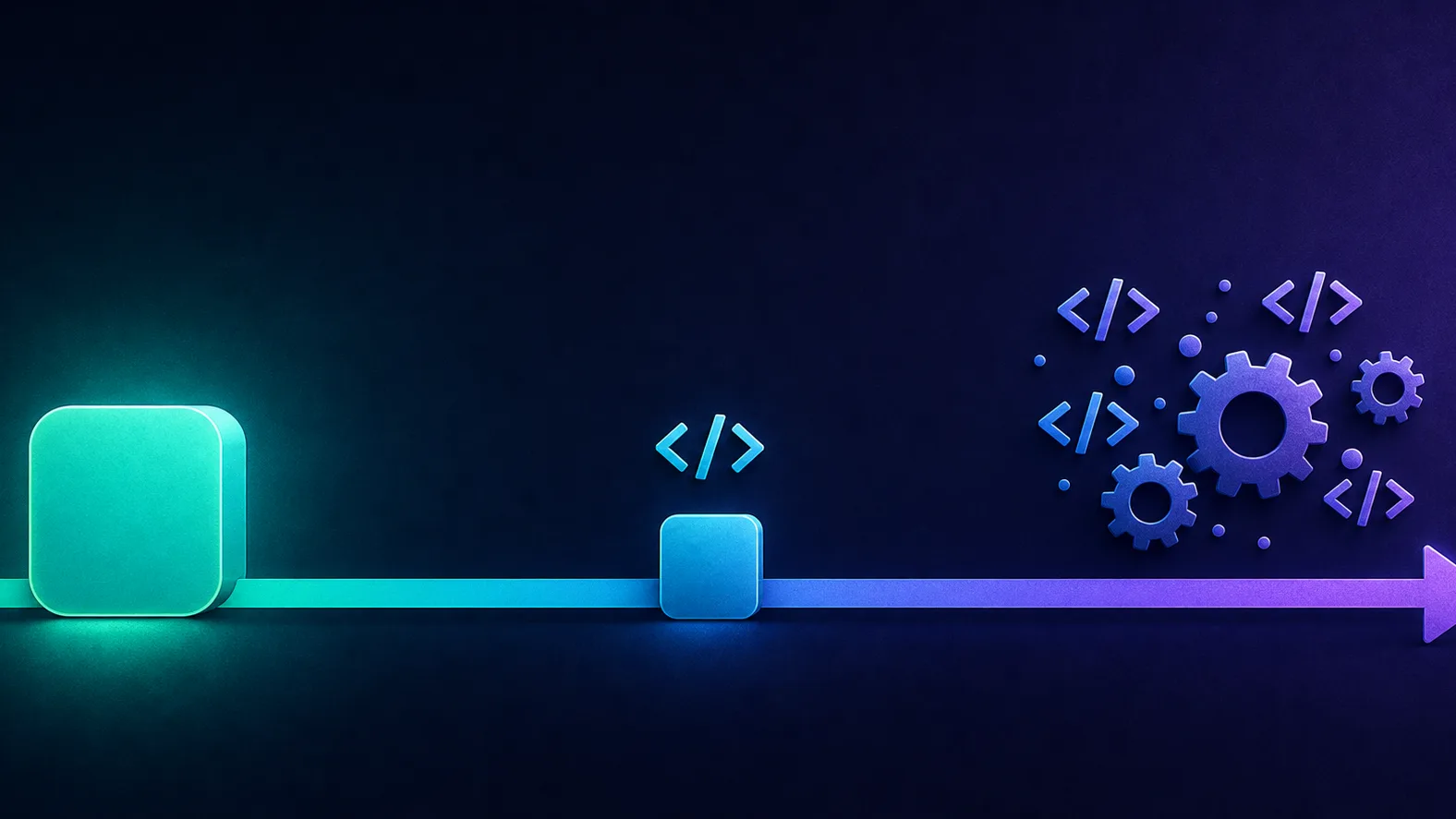
Understanding it as a spectrum matters because it reframes the question. It's not "which is best?" but "how far along the abstraction-to-control axis does this specific project need to be?"
No-code vs low-code vs traditional: comparison table
| Factor | No-code | Low-code | Traditional |
|---|---|---|---|
| Who can build | Anyone (non-technical) | Technical staff + some devs | Skilled developers |
| Speed to build | Fastest | Fast | Slowest |
| Flexibility | Limited | High (with code) | Unlimited |
| Upfront cost | Lowest | Moderate | Highest |
| Scalability ceiling | Lower | High | Unlimited |
| Vendor lock-in | High | Moderate | None (you own it) |
| Best for | Simple apps, MVPs, workflows | Business apps, internal tools | Complex, custom, high-scale |
Pros and cons of each
No-code: fast and accessible, but capped
Pros: incredibly fast to launch, no developers needed, low upfront cost, great for prototypes and simple production apps. Cons: you hit a ceiling on custom features, you're tied to the platform (vendor lock-in), scaling and performance can become issues, and monthly subscription costs add up over time.
Low-code: balanced, but not free of limits
Pros: much faster than traditional, more flexible than no-code, lets developers customise where needed, good for enterprise workflows. Cons: still some platform lock-in, licensing can get expensive at scale, and you need at least some technical skill to unlock its full power.
Traditional: unlimited, but demanding
Pros: total control and flexibility, best performance and scalability, no vendor lock-in, and you own everything. Cons: slowest to build, most expensive up front, and requires skilled developers to build and maintain — a real ongoing commitment.
The hidden cost of the wrong choice
The most expensive mistake isn't picking the "weaker" tool — it's outgrowing it. A no-code app that succeeds may need a costly rebuild in code once it hits the platform's limits. Weigh where you'll be in two years, not just where you are today.
When to use which
Use these decision rules:
- Choose no-code when the app is relatively simple, you need it fast and cheap, you don't have developers, or you're testing an idea (an MVP) before investing in real engineering.
- Choose low-code when you need to build business apps or internal tools quickly but with real customisation, you have some technical staff, and you're in an enterprise that values speed without hitting a hard ceiling.
- Choose traditional when the product is complex or unique, performance and scale are critical, you need full control and to avoid lock-in, or you're building something that will be your core, long-lived product.
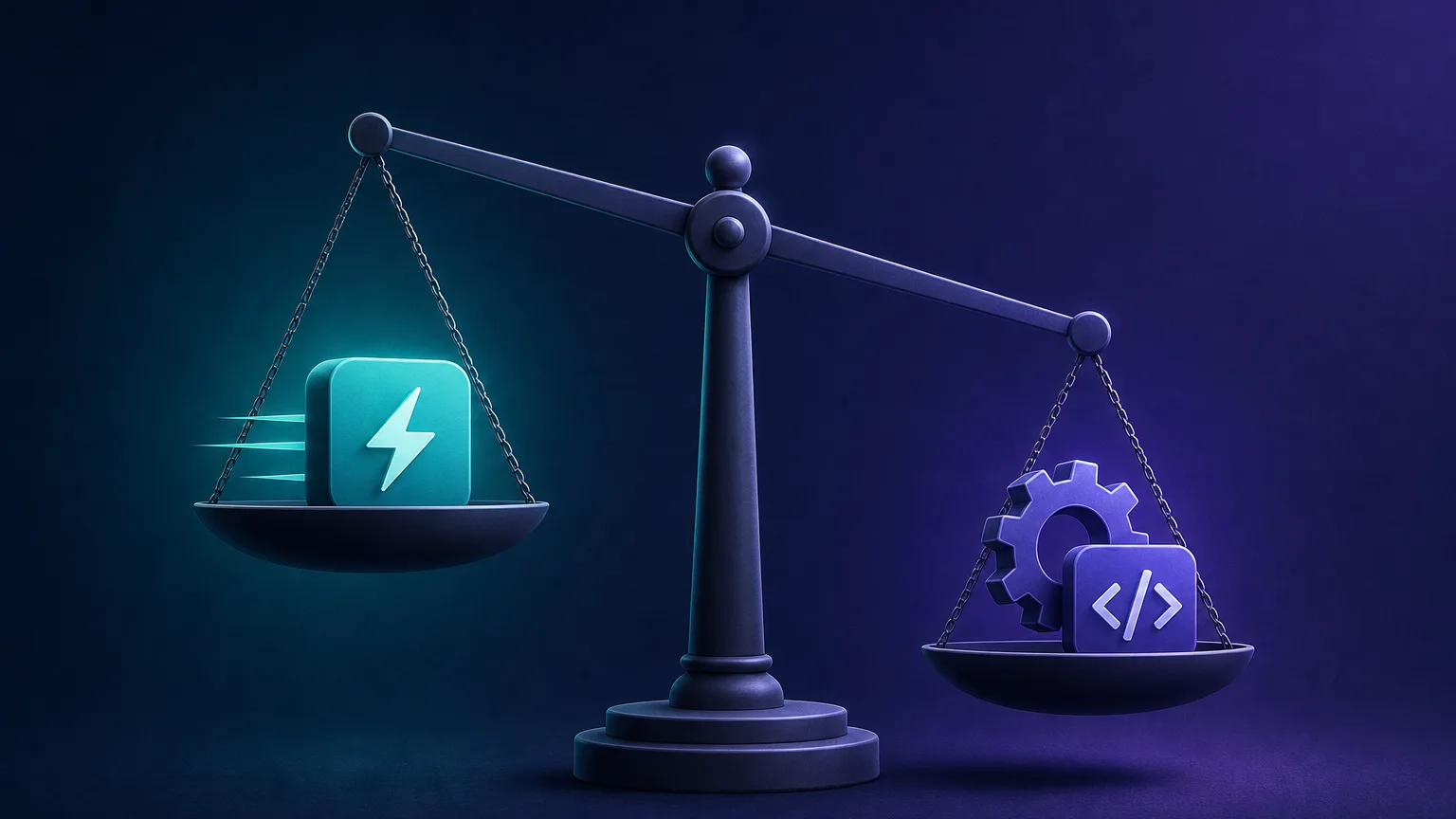
Cost and time considerations
The money and time story is more nuanced than "no-code is cheaper." No-code and low-code win dramatically on upfront cost and speed — you can ship in days for a subscription fee instead of hiring a team for months. But those subscriptions are recurring, they climb as you add users and features, and switching platforms later is painful. Traditional development costs far more up front and takes longer, but you own the result outright with no per-seat platform tax, which can be cheaper over the long run for a core product you'll run for years. The right lens is total cost of ownership over your realistic time horizon — not the price to launch.
Common misconceptions
- "No-code can't scale." Outdated. Modern no-code handles far more than it used to, and plenty of real businesses run on it — though genuinely high-scale or highly custom products still hit limits.
- "Low-code is just no-code with a different name." No — the ability to write real code for custom logic is a fundamental difference that raises the ceiling substantially.
- "Traditional development is always the 'serious' choice." Building a simple internal form in hand-written code when a no-code tool would do it in an afternoon is a waste of money and time, not a mark of seriousness.
- "You have to pick one forever." Many teams mix all three — no-code for marketing sites and automations, low-code for internal tools, traditional for the core product.
Real-world scenarios: which approach fits
Abstract trade-offs get concrete fast when you map them to real projects:
- A startup marketing site with a lead form and newsletter signup. No-code. A website builder ships it in days, a non-technical marketer can update it, and nothing about it justifies a developer's time.
- An internal dashboard that pulls from your database, adds approval logic and role-based access. Low-code. It needs real data connections and custom rules a pure no-code tool struggles with, but a full hand-coded build would be overkill for an internal tool used by a few dozen staff.
- A consumer fintech app with real-time transactions, strict security and millions of users. Traditional. The performance, security, compliance and scale requirements demand full control over every layer — no platform ceiling is acceptable.
- An MVP to validate a startup idea before raising money. Usually no-code or low-code first. Prove people want it cheaply, then rebuild the winning parts in code once the model is validated and scale demands it.
Notice the pattern: the decision tracks complexity, scale, and how critical control is — not the size of the company or how "serious" the project feels.
A step-by-step framework for choosing
When you're unsure, work through these questions in order and let the answers point you along the spectrum:
- How complex is the logic? Simple forms and workflows lean no-code; heavy custom logic and unusual requirements lean traditional.
- Who will build and maintain it? No developers on hand pushes you toward no-code; a capable engineering team makes low-code or traditional viable.
- How critical are performance and scale? If milliseconds and millions of users matter, traditional is usually the only safe answer.
- What's your time and budget? Tight timeline and low upfront budget favour no-code/low-code; a long-term core product justifies traditional investment.
- How much does lock-in cost you? If being tied to a vendor is an existential risk, owning the code outright matters — lean traditional.
If most answers point to "simple, fast, cheap," start with no-code and only move up the spectrum when you actually hit a wall. Premature engineering is as wasteful as outgrowing a no-code tool.
Can you combine all three?
Yes — and mature teams usually do. The approaches aren't mutually exclusive across a company; they're tools you pick per job. A typical stack might run the public marketing site on no-code, internal tools and dashboards on low-code, and the core product in traditional code, with no-code automation platforms gluing the pieces together. This "right tool for each job" mindset gets you the speed of no-code where speed is all that matters and the control of traditional development where control is non-negotiable — without forcing one philosophy onto every problem.
The pragmatic default
When genuinely unsure, start at the simplest approach that could work and move up the spectrum only when you hit a real limitation. It's far cheaper to graduate from no-code to code than to over-build something a drag-and-drop tool would have handled — and you learn what you actually need along the way.
How AI is blurring the lines
The old boundaries are shifting fast. AI coding assistants now write and complete real code, making traditional development faster and more accessible, while AI app builders generate working software from a plain-English description, pushing no-code toward "prompt-to-app." The same wave is producing agentic tools that automate whole workflows. The likely near-future isn't one approach winning — it's AI making all three faster, and the distinctions between them softening. Expect "describe what you want" to become a bigger part of every approach.
A practical shortcut for builders
Whichever route you take, small purpose-built utilities save real time — formatting data, testing endpoints, generating IDs. Our free developer tools cover many of these no matter which stack you build on.
The bottom line
No-code, low-code and traditional development aren't rivals so much as points on a spectrum from maximum speed-and-simplicity to maximum control-and-flexibility. No-code wins for simple apps, MVPs and non-technical builders; low-code is the pragmatic middle for business apps and internal tools that need some customisation; and traditional development remains the choice for complex, custom, high-scale products where control matters most. Don't pick based on hype or habit — map your project's complexity, budget, team and time horizon to the spectrum, and choose the point that fits. And with AI accelerating all three, the smartest teams increasingly use each where it shines rather than betting everything on one.
Frequently asked questions
They differ by how much code you write. No-code builds apps visually with zero programming, low-code is mostly visual but lets you add real code for custom parts, and traditional development means writing the whole application by hand. It's a spectrum from maximum abstraction to maximum control.
Neither is universally better; it depends on the project. No-code is faster and cheaper for simple apps, MVPs and workflows, while traditional development wins for complex, highly custom or high-scale products that need full control. Match the approach to your project's complexity and goals.
Modern no-code platforms scale far better than they used to and run plenty of real businesses. However, genuinely high-scale or highly custom products can hit a platform's limits, at which point teams often migrate to low-code or traditional code. For most simple-to-moderate apps, no-code scales fine.
Low-code is popular for business applications, internal tools, dashboards and enterprise workflows where teams need to build fast but still customise beyond what pure no-code allows. It lets non-developers assemble most of an app visually while developers add real code for the tricky parts.
Not necessarily to start, but some technical understanding helps a lot. Low-code is mostly visual, so non-developers can build a great deal, but unlocking its full power — custom logic, integrations, complex behaviour — usually requires someone who can write code.
Up front, yes — you can launch a simple app for a subscription fee instead of paying a development team for months. But subscriptions are recurring and climb with usage, and switching platforms later is costly. For complex or long-lived products, traditional development can be cheaper over time.
AI is blurring the lines rather than replacing any of them outright. AI assistants make traditional coding faster, and AI app builders push no-code toward 'describe it and get an app.' The likely outcome is AI accelerating all three approaches and softening the distinctions between them.
Choose traditional development when your product is complex or unique, performance and scalability are critical, you need full control and want to avoid vendor lock-in, or you're building a core, long-lived product. For simple apps, MVPs or internal tools, no-code or low-code is usually faster and cheaper.