Table of contents
Anti-detect browsers let you run many isolated browser profiles, each with its own fingerprint, cookies, and proxy, so platforms see separate devices instead of one overloaded machine. In 2026 the category is crowded: enterprise suites with granular team roles sit next to $5/mo starters, mobile-fingerprint specialists, and unlimited-local-profile tools. This roundup covers all ten browsers in our directory — Multilogin, AdsPower, GoLogin, Dolphin Anty, Octo Browser, Kameleo, Incogniton, MoreLogin, Undetectable, and Hidemyacc — organized by use case and budget so you can shortlist faster.
Prices below are verified starting points from our database and change often; the live provider cards keep ratings and plan details current. For the underlying mechanics, read how anti-detect browsers work. For head-to-head detail on the two most common matchups, see Multilogin vs AdsPower and AdsPower vs GoLogin.
How to use this roundup
Skim the comparison table, jump to the budget or use-case section that matches you, then open the live cards for current pricing. Do not pick on price alone — fingerprint quality, team controls, and automation depth decide whether accounts survive.
What an Anti-Detect Browser Actually Does
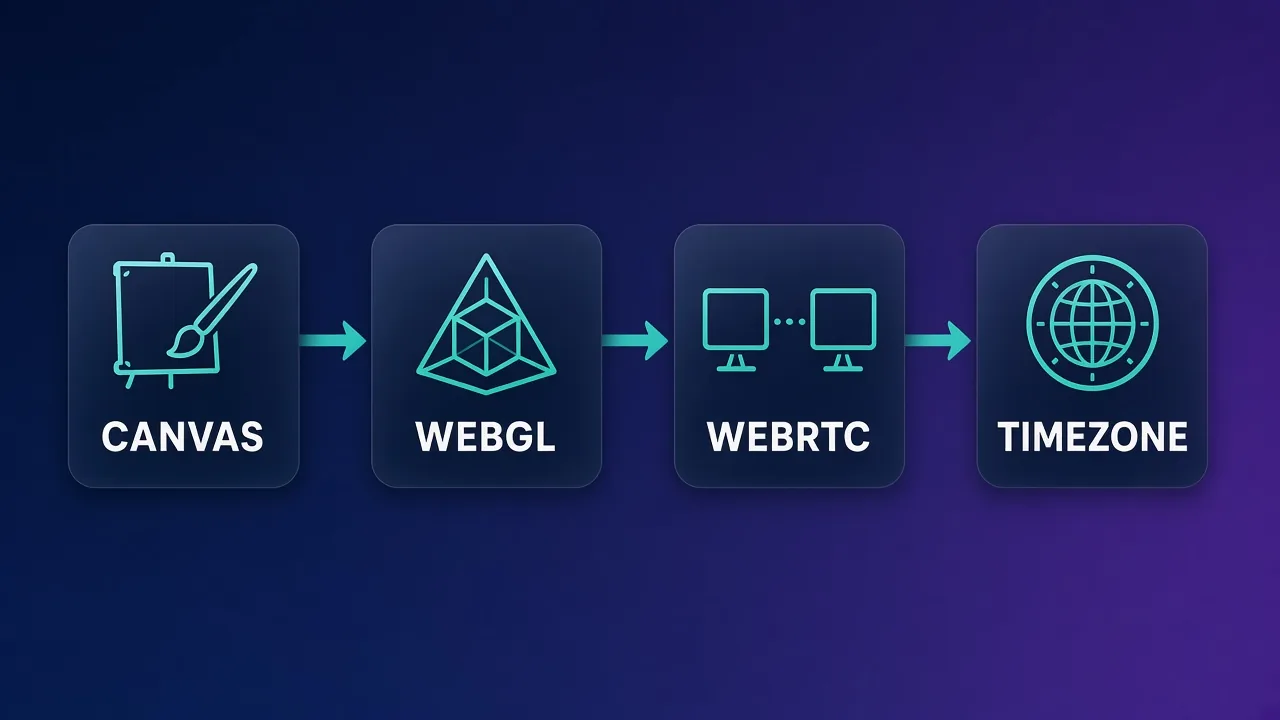
A normal browser shares one fingerprint surface across every profile you open: canvas and WebGL hashes, fonts, WebRTC IPs, timezone, and more. Anti-detect browsers generate or apply a coherent fingerprint per profile, isolate storage and cookies, and bind each profile to its own proxy so timezone and geolocation can match the exit IP.
That isolation is the product. Everything else — RPA robots, team roles, cloud sync, mobile engines — is packaging around the same core promise: many believable sessions from one workstation without trivial cookie or fingerprint bleed. If you want the deeper signal-by-signal explanation, our mechanics guide on how anti-detect browsers work walks through canvas, WebRTC, and proxy matching.
In practice you will also judge browsers on operational details: how fast you can clone a template profile, whether proxies paste in bulk, whether cloud sync fights with local-only security policies, and how painful seat management becomes at twenty operators. Those workflow frictions show up after the trial week — which is why this roundup groups tools by lane instead of crowning a single universal winner.
How to Choose: Use Case and Budget First
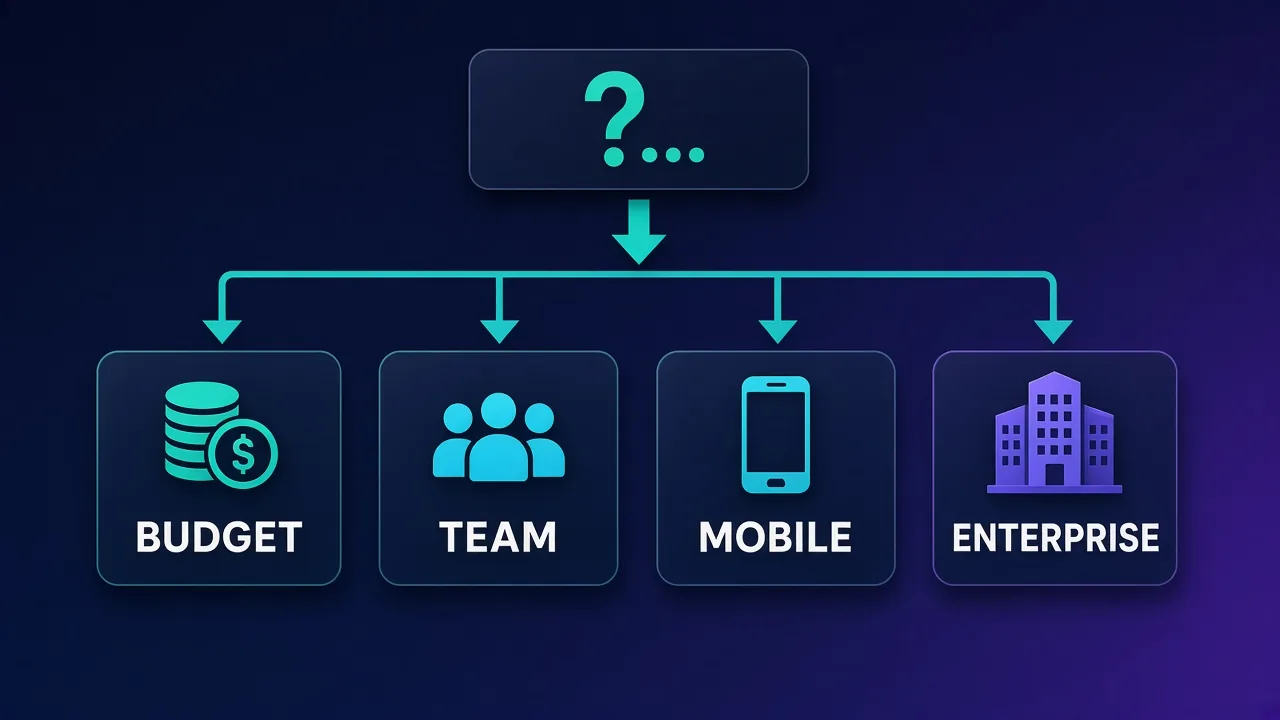
Start with the job, not the brand:
- Enterprise / agency teams — need granular roles, auditability, and mature fingerprints (Multilogin is the usual benchmark).
- Media buying / social ops — need bulk profiles, proxy paste, warming scenarios, and FB/TikTok-friendly workflows (Dolphin Anty, AdsPower, Octo Browser).
- Budget solo operators — need a free or very cheap tier that is still usable (AdsPower, Hidemyacc, MoreLogin, GoLogin free tiers).
- Mobile fingerprint work — need real Android/iOS profile engines, not just a mobile user-agent (Kameleo; MoreLogin cloud phone as a lighter option).
- Unlimited local scale — need as many on-disk profiles as hardware allows without per-profile fees (Undetectable paid plans).
Also decide early: do you need no-code RPA, Selenium/Puppeteer/Playwright, cloud web access, or offline-only storage? Those constraints eliminate half the list before price matters.
One more filter: update cadence. Platforms fingerprint advertised browser versions. A tool that ships Chromium cores within days of upstream (Octo Browser is known for this) can reduce "outdated client" risk compared with slower shippers. Balance that against UI comfort and team features — bleeding-edge cores help only if the rest of the product fits your operators.
Anti-Detect Browser Comparison Table
| Browser | From | Free plan | Best lane | Standout |
|---|---|---|---|---|
| Multilogin | €19/mo | No | Enterprise / teams | Mimic + Stealthfox, included residential traffic, best roles |
| AdsPower | $5.40/mo | 5 profiles | Budget + RPA | Dual Chromium/Firefox, no-code RPA, team roles |
| GoLogin | $24/mo | 3 forever | Value + cloud | 100+ profiles at entry, web version, Android app |
| Dolphin Anty | $89/mo paid | 10 profiles | Media buying | Scenario warming, bulk proxies, FB/TikTok workflows |
| Octo Browser | €29/mo | Trial €1 | Clean Chromium ops | Real-device fingerprints, fast core updates, human typing |
| Kameleo | €59/mo | No | Mobile fingerprints | Real Android/iOS profiles, four engines, strong automation |
| Incogniton | $29.99/mo | 10 profiles | Easy desktop | Simple UI, cloud sync, OCR paste-as-typing |
| MoreLogin | $9/mo | 2 forever | Budget + cloud phone | Dual engines, window sync, Android cloud phone |
| Undetectable | $49/mo | 5 cloud | Unlimited local | Unlimited local profiles on paid, fingerprint store |
| Hidemyacc | $5/mo | 7-day trial | Lowest paid entry | Real-device fingerprints, Automium no-code |
Enterprise and Team Benchmarks
When several operators share account rosters, permissions matter as much as fingerprints. Multilogin remains the enterprise reference: Mimic (Chromium) and Stealthfox (Firefox), included residential proxy traffic on plans, cloud or local storage, and the most granular team roles in this set. Paid plans start at €19/mo with no free forever tier — you are paying for maturity and governance, not the cheapest seat.
AdsPower and Octo Browser also support team roles at lower price points; AdsPower in particular packs a lot of collaboration into plans from about $5.40/mo. If you are weighing Multilogin against AdsPower specifically, our dedicated Multilogin vs AdsPower comparison goes deeper on fingerprints, pricing, and team fit.
Multilogin
Best when agencies need battle-tested fingerprints, dual engines, bundled residential traffic to start, and role-based access that will not embarrass an audit. Profile counts scale from small teams into the hundreds or thousands depending on plan. Cross-platform desktop apps cover Windows, macOS, and Linux.

Multilogin
Multilogin is the original enterprise anti-detect browser and still the benchmark, with the most battle-tested fingerprints, two engines (Chromium Mimic and Firefox Stealthfox), included residential proxy traffic, and best-in-class team controls. The costs are a premium price and a heavyweight app — so it's overkill for solo hobbyists, but the safest choice for serious teams that treat multi-accounting as infrastructure.
Media Buying and Social Workflows
Media buyers care about bulk proxy assignment, warming scenarios, tags/statuses, and flows that match Facebook or TikTok account ops. Dolphin Anty is built around that lane: Chromium anti-detect engine, scenario automation for warming, bulk proxy paste, and ad-platform-oriented workflows. The free tier includes 10 profiles; paid plans start around $89/mo — a steep jump, so many teams evaluate heavily on the free tier first. Note the vendor's Russian origin as a procurement caveat some compliance teams will flag; balance that against feature fit rather than ignoring either side.
AdsPower and Octo Browser are common alternatives in the same neighborhood: AdsPower for no-code RPA density at low cost, Octo for a cleaner Chromium app with real-device fingerprints and very fast upstream core updates.
Dolphin Anty
Strong scenario warming and bulk ops for FB/TikTok-style account farms. Free 10 profiles make real trials possible; confirm whether the paid jump fits your seat count before you standardize the team on it.

Dolphin Anty
Dolphin Anty is one of the most polished choices for affiliate and paid-social teams, pairing a genuinely useful 10-profile free tier with warming automation and bulk proxy tools that were clearly built by people who run ad accounts. Just weigh its Russian origins against your vendor policy, and know that its strengths are wasted if your work isn't media buying.
Octo Browser
Starts at €29/mo with a €1 trial (no free forever plan). Real-device fingerprint parameters, human-like typing emulation, and a polished desktop app are the draw. Automation exists via local API and Selenium/Puppeteer, but it is lighter than AdsPower's no-code RPA robot — pick Octo when fingerprint freshness and UX matter more than visual automation builders.

Octo Browser
Octo is one of the most stealth-focused and stable anti-detect browsers on the market, with real-device fingerprints and an update cadence measured in days rather than weeks. The trade-offs are a higher entry price with no free plan and lighter built-in automation than AdsPower — but if undetectability and a clean, sharable app are your priorities, it's hard to beat.
Budget and Free-Tier Picks
If you are solo or testing the category, free and sub-$10 plans matter.
- AdsPower — free 5 profiles; paid from $5.40/mo; dual engines + no-code RPA.
- Hidemyacc — no free forever plan, but a 7-day trial and paid from $5/mo; Automium no-code; basic team features only.
- MoreLogin — free 2 forever; paid from $9/mo; cloud phone Android + window sync.
- GoLogin — free 3 forever; paid from $24/mo for 100+ profiles; cloud web client and Android app.
- Incogniton — free 10 profiles; paid from $29.99/mo; easiest UI for beginners.
AdsPower vs GoLogin is the most common budget-to-mid comparison; see AdsPower vs GoLogin if those two are already on your shortlist.
AdsPower
Dense feature set for the money: SunBrowser and FlowerBrowser, visual RPA, team roles, and local API. The UI is information-heavy — power users like it; minimalists may prefer Octo or Incogniton. Excellent default shortlist for cost-sensitive teams that still need automation.

AdsPower
AdsPower delivers remarkable feature-per-dollar: dual Chromium/Firefox engines, a genuine no-code RPA robot, team roles, a free 5-profile tier, and plans from around $5.40/mo. The trade-offs are a cluttered, learning-curve interface and support that leans to Asian time zones, but for cost-conscious e-commerce and ad teams it's hard to beat.
GoLogin
Orbita Chromium fork, forever-free 3 profiles, and an entry paid plan that includes 100+ profiles from $24/mo. Cloud web version and Android app help when you cannot install a desktop client. Bundled free proxies are convenient for smoke tests but low quality — bring your own residential or ISP for real accounts.

GoLogin
GoLogin is the best-value anti-detect browser going, pairing a genuinely useful forever-free tier with entry plans that include 100+ profiles for $24/month. It cedes a little ground to Multilogin on granular team permissions and to Octo on outright stealth, and its free bundled proxies are low quality — but as an accessible, cross-platform, cloud-or-desktop workhorse it is hard to fault.
Hidemyacc
Among the cheapest paid entries at about $5/mo, with real-device fingerprints, profile folders, Automium no-code, and a 7-day trial. Team features stay basic. Pick it when price and simplicity matter more than enterprise roles.

Hidemyacc
Hidemyacc punches above its weight, pairing real-device fingerprint data and the no-code Automium automation tool with prices starting at just $5/month. Its core Chromium updates lag the stealth leaders and its team features are basic, but for solo operators and small teams who want capable multi-accounting on a tight budget, it's excellent value.
MoreLogin
From $9/mo with two free profiles forever. Dual Chromium/Firefox engines, window synchronizer for parallel manual work, and Android cloud-phone profiles. Automation and fingerprint authenticity are lighter than Kameleo or Multilogin — a budget scaler, not an enterprise benchmark.

MoreLogin
MoreLogin is the value pick: a permanent 2-profile free tier, plans from $9/mo, dual Chromium/Firefox engines, and a surprising cloud-phone feature make it one of the cheapest ways to run a lot of profiles. Its automation and mobile authenticity are lighter than premium rivals, so heavy technical users may outgrow it, but budget-focused multi-accounters get remarkable mileage.
Incogniton
Beginner-friendly desktop browser with cloud sync, cookie collection tools, and OCR paste-as-typing for more natural form fills. Free 10 profiles; paid from $29.99/mo. Core updates tend to lag the fastest Chromium shippers (like Octo), and it is desktop-oriented rather than a cloud-first suite.

Incogniton
Incogniton is the easy-to-learn option: a gentle interface, a generous 10-profile free plan, cloud sync, cookie collection, and handy touches like OCR paste-as-typing make everyday multi-accounting painless. Its core updates land more slowly than faster rivals and it sticks to desktop Chromium, so power users chasing the latest fingerprinting or mobile profiles may want more.
Budget tip
Use free tiers to validate fingerprint quality on your target sites before you commit. A $5 plan that fails your main platform is more expensive than a $29 plan that sticks.
Mobile Fingerprints and Multi-Engine Setups
Spoofing a mobile user-agent inside a desktop Chromium profile is not the same as a real mobile fingerprint. Kameleo specializes in authentic Android and iOS device profiles, with four engines (including Safari and Edge emulation paths) and strong Selenium/Puppeteer/Playwright automation. Plans start at €59/mo with no free tier, and the desktop app is Windows-only — a hard constraint for Mac-first teams.
MoreLogin's cloud phone feature is a lighter, cheaper Android-emulation option if you need mobile-style environments without Kameleo's price or Windows requirement.
Kameleo
Choose Kameleo when mobile-account realism and automation APIs are non-negotiable and your operators run Windows. Local profile storage keeps fingerprint data on your machine by default.

Kameleo
Kameleo is the go-to when you genuinely need to look like a phone: its real Android and iOS profiles and four-engine coverage are unmatched, and its Selenium/Puppeteer/Playwright automation suits serious pipelines. The catches are that the desktop app is Windows-only and there's no free plan, so you commit before you can trial it fully.
Unlimited Local Profiles
Most vendors meter cloud profile counts. Undetectable flips the model on paid plans: unlimited locally stored profiles (hardware permitting), a fingerprint store for premium real-device configs, profile transfer between accounts, and a free tier with 5 cloud profiles. Paid plans start around $49/mo. This lane fits high-volume users who want to stop paying per profile and can manage local disk and backups themselves.
Undetectable
Best when profile count is the bottleneck and you are comfortable with local-first storage plus optional cloud for selected profiles. Use the fingerprint store for the accounts that justify premium configs.

Undetectable
Undetectable''s standout idea is unlimited local profiles on paid plans — you pay for cloud storage and seats, not profile counts — which makes it a bargain for high-volume operators, backed by a fingerprint store selling real-user configs and profile transfer between accounts. The UI is less polished than GoLogin or Octo and pricing starts higher at $49/month, but for serious scale it's a smart, distinctive choice.
Fingerprint Hygiene Still Depends on Proxies
Even perfect canvas noise fails if WebRTC leaks a home IP, or if timezone says New York while the proxy exits in Mumbai. Bind a quality residential or ISP proxy per profile, match locale and timezone, and avoid sharing one exit across dozens of "unique" accounts. Anti-detect software isolates browsers; it does not replace IP reputation. Pair this roundup with solid proxy selection — especially ISP or residential sticky seats for long-lived logins.
A practical checklist before you scale a roster: one proxy per sensitive profile, matching timezone and language, no WebRTC leaks to the real IP, and separate profiles for risky experiments versus aged accounts. When a profile burns, retire its proxy too — reusing a flagged exit under a "new" fingerprint teaches platforms to correlate both signals.
Acceptable use
Multi-accounting can violate platform terms and applicable laws depending on what you do. Use these tools for legitimate isolation needs (QA, privacy, authorized agency work) and follow each platform's rules and your local regulations.
Quick Shortlists by Scenario
- Agency with roles and compliance pressure — Multilogin first; Octo or AdsPower if budget is tighter.
- FB/TikTok warming at scale — Dolphin Anty or AdsPower; Octo if you prefer a cleaner Chromium UX.
- Solo on a shoestring — AdsPower, Hidemyacc, MoreLogin, or GoLogin free tier.
- Real mobile profiles + automation — Kameleo (Windows).
- Thousands of local profiles — Undetectable paid.
- Easiest UI for beginners — Incogniton.
Conclusion
There is no single best anti-detect browser in 2026 — only best fits. Multilogin still anchors enterprise teams. AdsPower and GoLogin cover most budget-to-mid needs, with Dolphin Anty and Octo Browser strong for media-buying workflows. Kameleo owns serious mobile fingerprints, Undetectable owns unlimited local scale, and Hidemyacc, MoreLogin, and Incogniton fill low-cost and easy-UI niches.
Shortlist two browsers in your lane, run the same account tasks on both with matching proxies, and keep the one that stays stable on your actual targets. Then read how anti-detect browsers work if you need to debug fingerprint mismatches, or the Multilogin/AdsPower and AdsPower/GoLogin comparisons when those pairs are the finalists.
Frequently asked questions
It depends on the job. Multilogin is the usual enterprise and team benchmark. AdsPower and GoLogin lead value and free-tier testing. Dolphin Anty and Octo Browser fit media-buying workflows. Kameleo leads real mobile fingerprints, and Undetectable leads unlimited local profiles. Shortlist by use case, then test on your targets.
Incogniton is one of the easiest interfaces, with 10 free profiles and cloud sync. AdsPower and GoLogin also work well for beginners who want a free tier and clear upgrade paths. Start on a free plan and confirm fingerprints against your main platforms before paying.
Hidemyacc starts around $5/mo with a 7-day trial. AdsPower starts around $5.40/mo and includes a free 5-profile tier. MoreLogin starts around $9/mo with two free profiles forever. Cheapest is not always best — validate account survival on your sites.
Ordinary Chrome profiles still share a lot of machine-level fingerprint surface and are easier to correlate. Anti-detect browsers generate coherent per-profile fingerprints, isolate storage, and bind proxies with matching timezone and geolocation. For serious multi-accounting, dedicated anti-detect tools are the stronger fit.
Dolphin Anty is built around media-buying workflows, scenario warming, and bulk proxies, with a free 10-profile tier. AdsPower and Octo Browser are common alternatives. Always follow each ad platform's terms and your local laws.
Kameleo offers authentic Android and iOS device profiles with four engines and strong automation APIs, starting at €59/mo on Windows. MoreLogin offers a lighter Android cloud-phone option at a lower price point.
Multilogin costs more and has no free forever plan, but it leads on mature fingerprints, dual Mimic/Stealthfox engines, included residential traffic, and granular team roles. AdsPower wins on price, free tier, and no-code RPA. Choose Multilogin for enterprise governance; AdsPower for budget automation. See our Multilogin vs AdsPower comparison for detail.
Technically yes, but you should not run serious multi-accounting that way. Profiles still share your real IP unless each one uses its own proxy, and timezone or WebRTC mismatches become easy telltales. Pair each profile with a quality residential or ISP proxy that matches its locale.