Table of contents
Gamers reach for a VPN for very different reasons than everyone else. It's not just privacy — it's dodging DDoS attacks, unblocking titles and servers locked to other regions, beating ISP throttling, and getting a cleaner route to a distant game server. But a VPN can also add lag if you pick the wrong one, so the choice matters more here than almost anywhere else. This guide explains exactly how a VPN affects your connection, what actually helps (and what's a myth), what makes a VPN good for gaming, and the best VPNs for gaming in 2026.
Why use a VPN for gaming?
A gaming VPN routes your connection through an encrypted tunnel to a server in a location you choose, hiding your real IP and changing the path your traffic takes to the game. For gamers that unlocks several concrete benefits:
- DDoS protection — your real IP stays hidden, so a salty opponent can't flood your connection offline.
- Access region-locked games and servers — play titles that launched early elsewhere, or join foreign matchmaking pools.
- Beat ISP throttling — if your ISP slows gaming traffic, a VPN hides what you're doing so it can't.
- Safer public Wi-Fi — game on the go without exposing your connection.
- Sometimes a better route — occasionally a VPN's network reaches a game server more directly than your ISP's default path.
How a VPN affects your gaming connection
To use a VPN well for gaming, you need to understand the trade-off honestly. Every VPN adds two things to your connection: encryption overhead (a tiny amount of processing) and an extra hop (your traffic goes to the VPN server first, then to the game). That extra distance is the thing that can raise your ping.
So the golden rule is simple: the closer the VPN server, the lower the added latency. Connect to a VPN server near you and near the game server, and the penalty is often just a few milliseconds. Connect to one on the other side of the planet and your ping will balloon. This is why server count and location — not just raw download speed — are what make or break a gaming VPN.
Does a VPN reduce ping and lag?
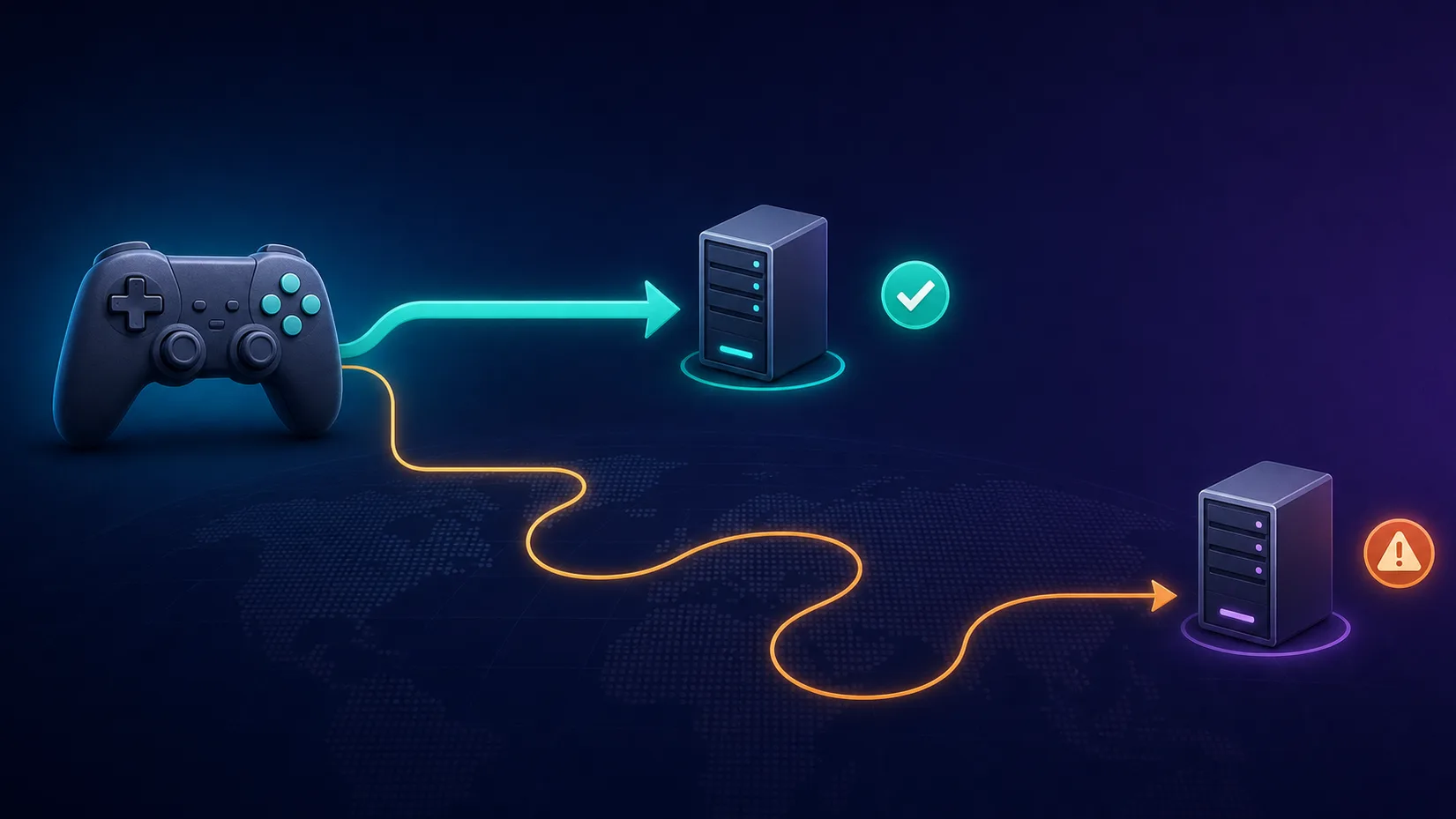
This is the most misunderstood question in gaming VPNs, so let's be straight about it. In most normal situations, a VPN slightly increases ping rather than reducing it, because of that extra hop. Anyone promising a guaranteed ping reduction or an "FPS boost" is overselling.
That said, a VPN can genuinely lower your latency in specific cases:
- Your ISP throttles or de-prioritises gaming traffic — the VPN hides it, restoring full speed.
- Your ISP's routing is inefficient — sometimes the VPN's backbone reaches the game server via a shorter, better-peered path than your ISP's default route.
- You connect to a closer game server — using the VPN to join a nearer regional server than the one you're normally matched to.
Test before you commit
Ping is route-specific, so the only way to know if a VPN helps your connection is to try it. Use a provider with a money-back guarantee, connect to the server nearest you and the game, and compare your in-game ping with and without it.
The key benefits for gamers, in detail
DDoS protection
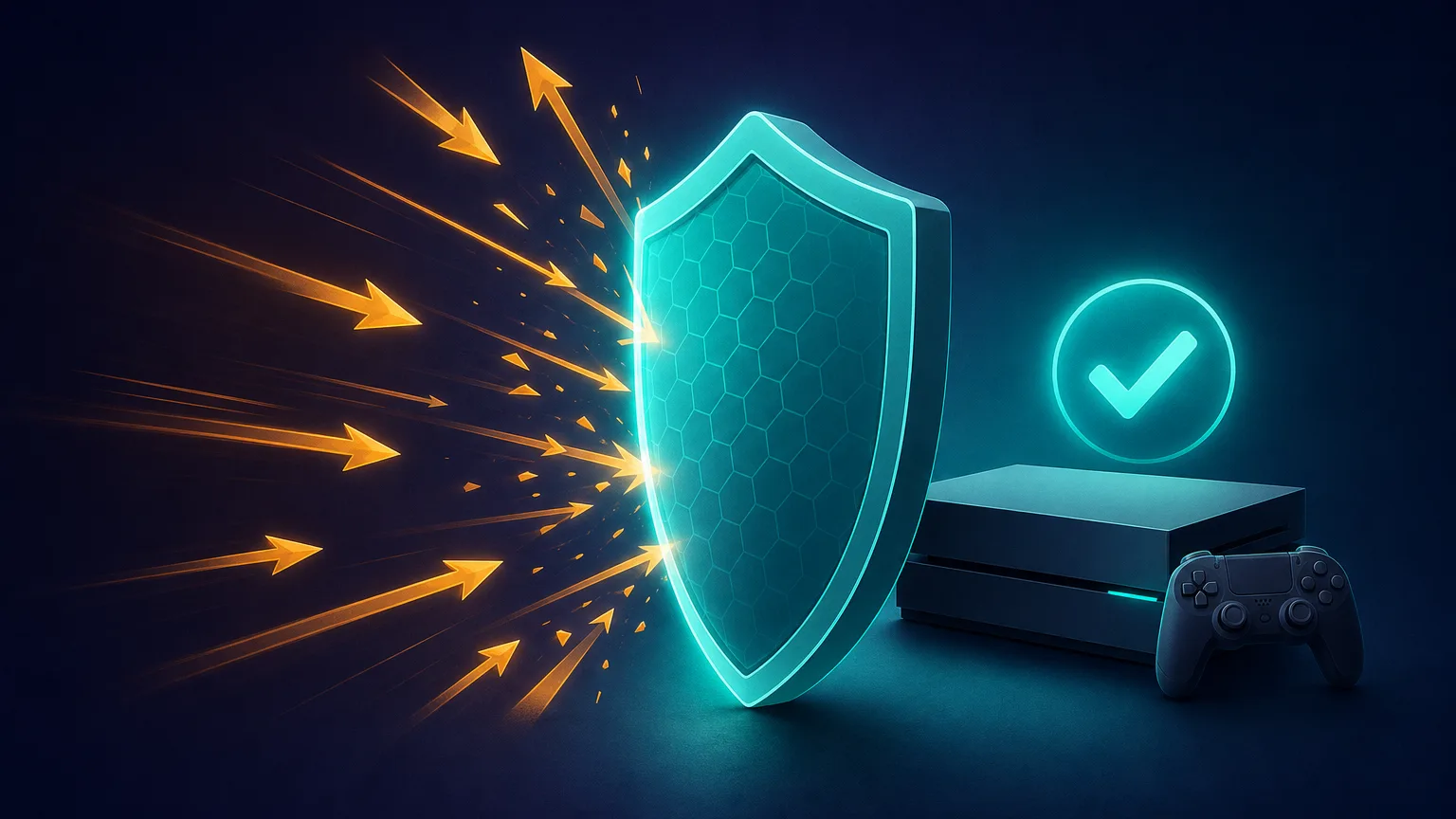
In competitive and streamed games, opponents sometimes pull your IP and hit it with a denial-of-service attack to knock you offline mid-match. A VPN masks your real IP behind the server's, so there's nothing to target. For streamers and ranked players, this alone can justify a subscription.
Unblocking games and servers
New releases often roll out region by region, and some games or game modes are locked to certain countries. Connecting through a server in the right region lets you reach them, and lets you play on foreign matchmaking servers to squad up with friends abroad.
Avoiding throttling and IP bans
If your ISP quietly slows gaming or streaming traffic, a VPN's encryption stops it from singling that traffic out. And because your public IP is hidden, an unfair IP-based ban is far easier to sidestep with a fresh server.
Mind the rules
Using a VPN to buy games cheaper from another region's store, or to evade a legitimate ban, usually violates a game or store's terms of service and can get your account restricted. A VPN is a tool — how you use it is on you. Stick to legitimate uses like DDoS protection, privacy and reducing throttling.
What makes a good gaming VPN?
Not every VPN suits gaming. Weigh these factors, roughly in order of importance:
- Speed and low latency — a fast, modern protocol (WireGuard-based, like NordLynx or Lightway) keeps the added ping minimal.
- Server count and locations — more nearby servers means a lower-latency option wherever you and the game server are.
- DDoS protection — a core reason to use one; make sure it's solid.
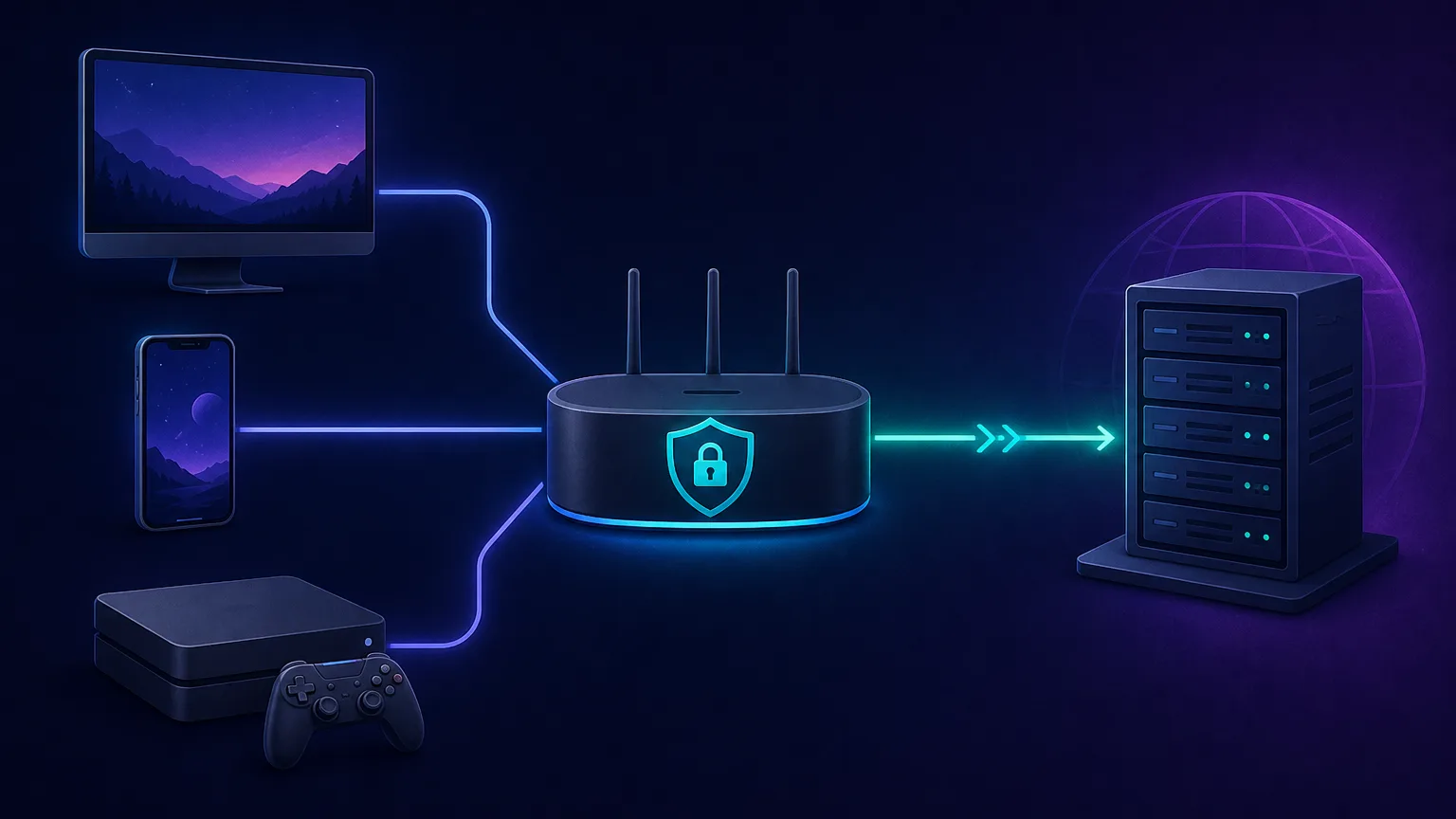
- Device and console support — apps for PC and mobile, plus router support so consoles (which have no native VPN apps) are covered.
- Split tunnelling — route only the game through the VPN while everything else uses your normal connection.
- No-logs and privacy — an audited no-logs policy so your play isn't recorded.
- Value — enough simultaneous connections and a fair price for your whole setup.
Gaming VPN protocols: which is fastest?
The protocol is the ruleset your VPN uses to encrypt and route your traffic, and it has a big effect on speed and latency. For gaming, the newer WireGuard-based protocols win comfortably:
| Protocol | Speed & latency | Best for |
|---|---|---|
| WireGuard (incl. NordLynx, Lightway) | Fastest, lowest overhead | Gaming — the default choice |
| IKEv2/IPsec | Fast and very stable on mobile | Mobile gaming, quick reconnects |
| OpenVPN | Slower, heavier overhead | Maximum compatibility, not speed |
The takeaway: choose a VPN whose fast modern protocol is enabled by default — most of the top picks below run a WireGuard variant — and only fall back to OpenVPN if a restrictive network blocks the faster options. Protocol choice is one of the single biggest levers on how much ping a VPN adds.
The best VPNs for gaming in 2026
We weighted speed and latency, server count and spread, DDoS protection, device and router/console support, split tunnelling, and value. Each card links to our full review with live pricing and any current deal.
NordVPN — best overall for gaming
Consistently among the fastest thanks to the NordLynx protocol, with a massive server network so there's always a low-latency option nearby. Its Meshnet feature also lets you link devices directly for encrypted LAN-style play with friends — a genuine gamer perk.

NordVPN
Still the benchmark. NordVPN combines top-tier speeds, a repeatedly audited no-logs policy, and the broadest feature set in the industry at a mid-range price. The default recommendation for most people.
ExpressVPN — best for low latency
Its Lightway protocol is built for speed and quick reconnects, and a wide spread of well-provisioned servers keeps ping low. Excellent app coverage plus straightforward router support make it a strong choice for consoles.

ExpressVPN
The most reliable VPN we have tested — connections just work, on every platform including routers. You pay a premium for that polish, and power users may miss the configurability rivals offer.
The two speed leaders, head to head:
NordVPN
VPN
ExpressVPN
VPN
Editor score
User rating
Starting price
Founded
Surfshark — best value
Fast enough for smooth play at a budget price, and crucially it allows unlimited simultaneous connections — so one subscription covers your PC, console, phone and your housemates. The best pick if you're kitting out a whole household.

Surfshark
The value king. Unlimited connections, strong speeds, and a feature set close to NordVPN at roughly half the intro price. The 14-eyes Netherlands jurisdiction is the main caveat for hardliners.
CyberGhost — best for beginners
Offers servers geared toward gaming and streaming with dead-simple apps, plus a long money-back window that makes it easy to test on your own connection risk-free.

CyberGhost
Ideal for users who want labeled, purpose-built servers instead of settings to tweak. Long-term plans are very cheap. Speeds are good rather than great, and monthly pricing is poor value.
Proton VPN — best for privacy with speed
Fast servers backed by Proton's strong Swiss no-logs privacy pedigree, so competitive players who care about anonymity don't have to trade away performance to get it.

Proton VPN
The privacy purist's choice that no longer compromises on speed or streaming. The free tier is genuinely free and safe — unique in this industry. Paid plans are competitive with the very best.
Private Internet Access — best for server choice and configurability
A huge server network with granular settings and optional port forwarding, which can help with certain peer-to-peer connections and self-hosting. A tinkerer's pick with excellent value.

Private Internet Access
The tinkerer's VPN: open-source apps, court-proven no-logs, unlimited devices, bargain long-term price. US jurisdiction and middling long-distance speeds keep it just behind the leaders.
How to use a VPN for gaming on PC, mobile and console
Setup depends on your platform:
- PC and mobile: install the VPN app, sign in, and connect to a server near you and the game before launching. Use split tunnelling to send only the game through the VPN if you want.
- Consoles (PS5, Xbox, Switch): these have no native VPN apps, so you route them one of two ways — configure the VPN on your router so the console is covered automatically, or share a VPN-connected PC or phone's connection to the console.
- Pick the nearest fast server and test your ping in-game; switch servers if the first one isn't ideal.
Router = whole-home coverage
Setting the VPN up on a compatible router protects every device on your network at once — consoles, smart TVs and all — and only counts as a single connection. It's the cleanest solution for console gamers.
Mobile gaming and a VPN
On phones and tablets, a VPN is especially handy for mobile gamers who play on public Wi-Fi, want to access region-locked mobile titles, or need DDoS protection for competitive mobile esports. The same rule applies: connect to a nearby server to keep latency low, and lean on split tunnelling so background apps don't clog the tunnel. Battery drain is the main trade-off, since encryption uses a little extra power. If you play cloud-gaming services such as GeForce Now or Xbox Cloud Gaming, a nearby VPN server keeps the stream smooth while still masking your IP. And because mobile networks reassign IPs as you move between towers, a VPN also gives you a single consistent exit point, which some competitive mobile titles handle more gracefully than a constantly-shifting carrier address.
The risks and limits — when a VPN won't help
A VPN isn't a magic upgrade, and being honest about the limits saves disappointment:
- It usually adds a little latency, not removes it — if your ISP routing is already good and you're not throttled, expect a small ping increase.
- It won't fix a slow connection — a VPN can't give you more bandwidth than your ISP provides; if your base connection is the bottleneck, a VPN won't cure it.
- Free gaming VPNs are a bad idea — congested servers, data caps, weak or no DDoS protection, and some monetise by logging you. For gaming, a reputable paid VPN is worth it.
- Terms of service still apply — region-hopping to abuse pricing or evade bans can cost you your account.
For streaming-focused readers, our companion guide on the best VPNs for Netflix covers the unblocking angle, and the full VPN directory compares every provider on the data.
Tips to get the lowest ping with a VPN
How you configure the VPN matters as much as which one you buy. To keep latency as low as possible:
- Connect to the nearest fast server to both you and the game — distance is the single biggest factor in added ping.
- Use a WireGuard-based protocol (NordLynx, Lightway) rather than OpenVPN for the lowest overhead.
- Go wired where you can. An Ethernet cable to your router beats Wi-Fi for stability, with or without a VPN.
- Enable split tunnelling so only the game rides the VPN and background apps don't compete for the tunnel.
- Try a few servers. Load and routing vary, so the best server changes over time — switch if your first pick feels sluggish.
- Close bandwidth hogs. Streaming, cloud backups and large downloads on the same network inflate ping far more than a good VPN does.
The bottom line
The best gaming VPN is a fast one with a server close to you, solid DDoS protection, and support for every device you play on. NordVPN and ExpressVPN lead on the speed and low latency that matter most, Surfshark is the best value for a whole household, and Proton VPN is the pick if privacy is as important as performance. Go in with realistic expectations — a VPN protects and unblocks far more than it "boosts" — connect to the nearest fast server, test your ping, and you'll get the security and access benefits without the lag.
Frequently asked questions
Usually a VPN slightly increases ping because of the extra hop to its server. It can lower latency in specific cases - if your ISP throttles gaming traffic, if its routing is inefficient, or if you connect to a closer game server - but don't expect a guaranteed ping reduction or FPS boost.
Yes. A VPN hides your real IP address behind the VPN server's, so an attacker who pulls your IP can't flood your connection offline. This is one of the strongest reasons for competitive players and streamers to use one.
Consoles don't have native VPN apps, so you use one of two methods: configure the VPN on your router so the console is covered automatically, or share a VPN-connected PC or phone's connection with the console. The router method protects your whole network at once.
Using a VPN by itself is generally not bannable, but breaking a game's or store's terms of service is - for example, region-hopping to buy games cheaper or to evade a legitimate ban. Stick to legitimate uses like DDoS protection and privacy, and check the game's rules.
NordVPN and ExpressVPN are consistently among the fastest thanks to their WireGuard-based protocols (NordLynx and Lightway) and large server networks. However, the fastest option for you depends on your route, so test a couple on your own connection using their money-back guarantees.
Rarely. Free VPNs tend to have congested, slow servers, strict data caps, weak or no DDoS protection, and some log or sell your activity. For the low latency and reliability gaming needs, a reputable paid VPN is a much better investment.
Yes. Connecting to a VPN server in another region lets you access geo-locked games and join foreign matchmaking servers to play with friends abroad, subject to the game's terms and server availability.
If your internet provider deliberately slows down gaming traffic, a VPN's encryption prevents it from identifying and throttling that traffic, which can restore full speed. If you aren't being throttled, a VPN won't make your base connection any faster.