Table of contents
Apple builds strong privacy into iOS and macOS — but a VPN still does things your iPhone and Mac can't do on their own: hide your IP and traffic from your network and ISP, secure you on public Wi-Fi, and let you access content locked to other regions. The catch is that Apple's platform has its own rules and quirks (App Store gatekeeping, iCloud Private Relay, iOS background limits) that make some VPNs a much better fit than others. This guide explains how VPNs actually work on Apple devices, what differs between iOS and macOS, and the best VPNs for iPhone, iPad and Mac in 2026.
Why use a VPN on iPhone, iPad and Mac?
Apple's defaults are good, not invincible. A VPN adds protection your device doesn't provide alone:
- Public Wi-Fi security — encrypts your traffic on café, airport and hotel networks so no one on the same Wi-Fi can snoop.
- Hide your IP and activity from your ISP — your provider can see and log the sites you visit; a VPN stops that.
- Streaming and region access — reach content and libraries tied to other countries.
- Beat throttling — if your ISP slows certain traffic, a VPN hides what you're doing.
- An extra layer beyond Apple's tracking protections — App Tracking Transparency and Mail Privacy help, but they don't mask your network-level IP the way a VPN does.
What Apple already protects — and what it doesn't
It's worth being clear about where Apple's built-in privacy stops and a VPN begins, so you know what you're actually buying. Apple's App Tracking Transparency limits cross-app ad tracking, Mail Privacy Protection hides your IP from email trackers, Intelligent Tracking Prevention curbs Safari cookies, and iCloud Private Relay masks your IP for Safari on iCloud+. These are genuinely useful — but every one of them is app- or feature-specific. None of them encrypts all of your device's traffic, hides your IP from your ISP across every app, or lets you appear in another country. A VPN is the only tool that covers your entire device at the network level and gives you a choice of location. Treat Apple's features and a VPN as complementary layers, not substitutes for one another.
How VPNs work on Apple devices
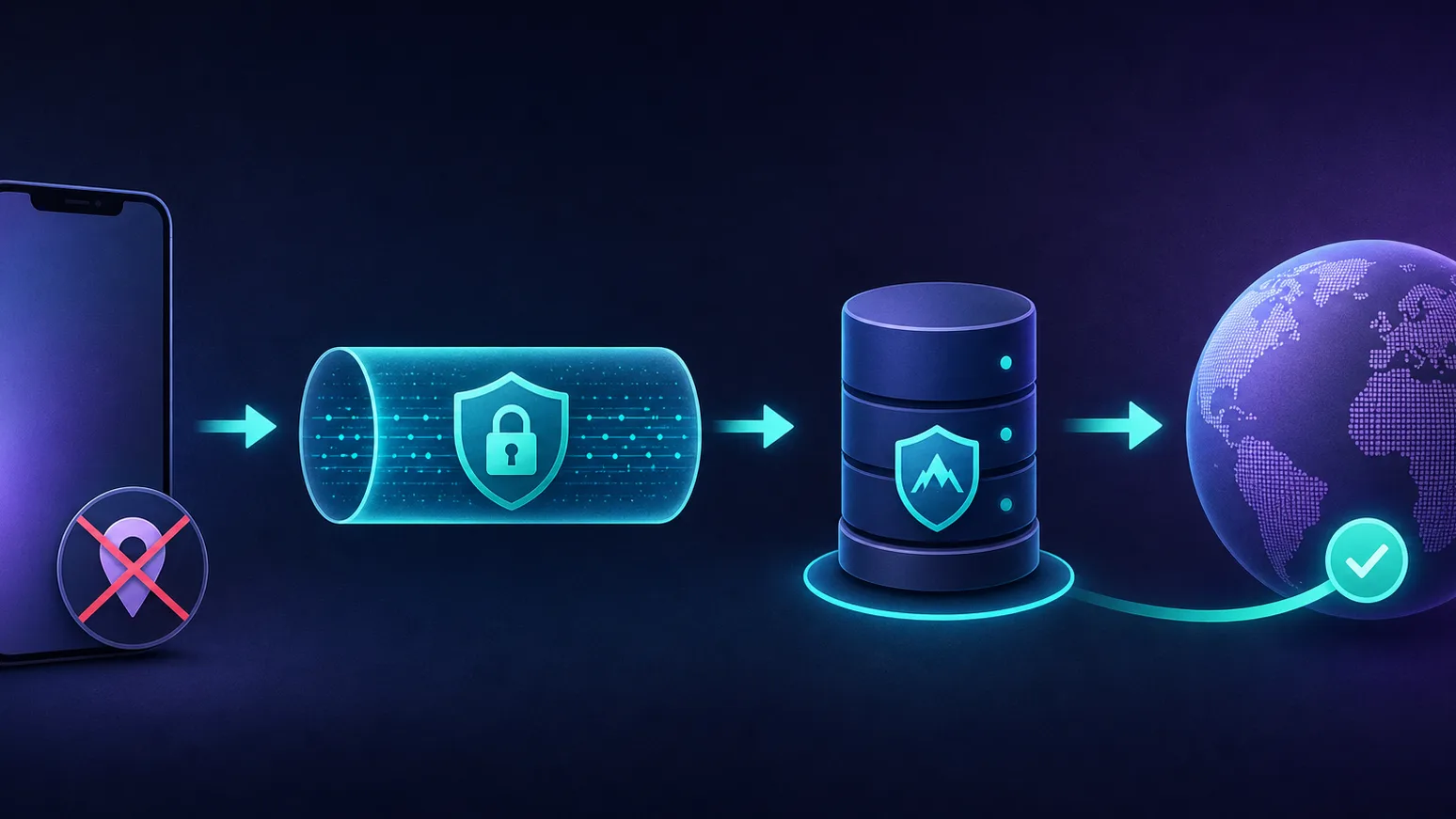
Every VPN on iOS and macOS plugs into Apple's Network Extension framework — the official, sandboxed way apps route your device's traffic through an encrypted tunnel. When you tap connect, the app establishes a tunnel to a VPN server; your device's real IP is replaced by the server's, and everything in between is encrypted. Apple even builds IKEv2 support directly into iOS and macOS, so you can configure a VPN manually with no app at all — though most people use a provider's app for speed and convenience.
The fastest modern VPNs on Apple use WireGuard-based protocols (or proprietary equivalents like Lightway and NordLynx) delivered through that Network Extension. A nice Apple-specific touch: apps can use on-demand rules to auto-connect whenever you join an untrusted network, and integrate with Shortcuts and widgets for one-tap control.
iOS vs macOS: what's different
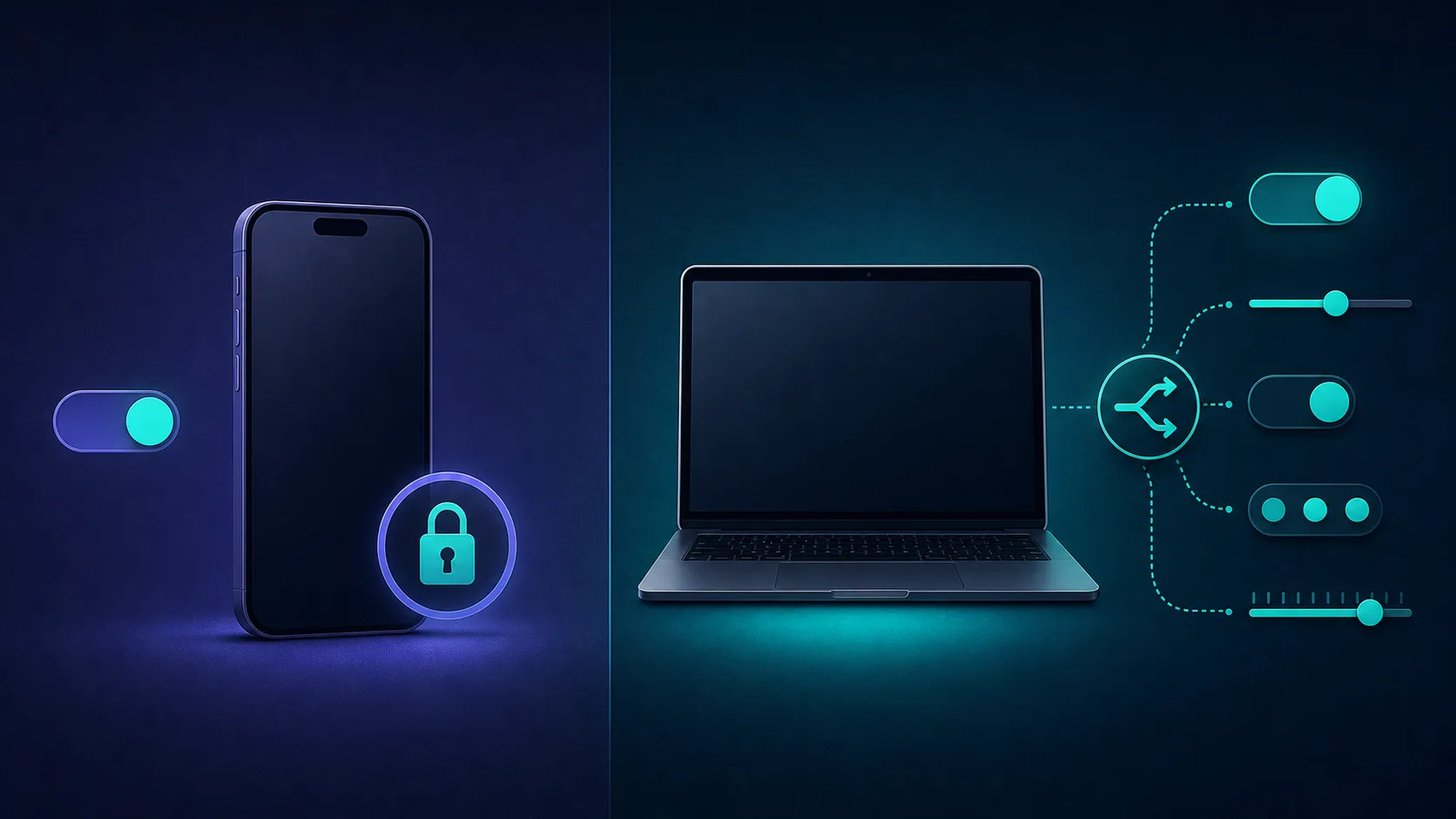
The same VPN often behaves differently on iPhone versus Mac, because Apple gives the two platforms different capabilities:
| Capability | iOS / iPadOS | macOS |
|---|---|---|
| Native app support | Yes (App Store) | Yes (App Store / direct) |
| Split tunnelling | Limited / generally no | Available in many apps |
| Kill switch | Via always-on / on-demand config | Full system kill switch |
| Background behaviour | iOS may pause apps; on-demand helps | Runs freely in background |
| Manual IKEv2 setup | Built in | Built in |
In short, macOS gives you more control (true split tunnelling, a full system-wide kill switch), while iOS is more locked down — its kill-switch equivalent is achieved through an always-on VPN configuration, and split tunnelling is largely off the table. Neither is worse for security; they just expose different knobs.
VPN vs iCloud Private Relay: not the same thing
If you have iCloud+, you've seen Private Relay — and it's easy to assume it replaces a VPN. It doesn't. Private Relay only protects Safari browsing and some traffic (not every app), it doesn't let you choose a country (so it can't unblock geo-restricted content), and it's limited to iCloud+ subscribers. It's a privacy feature, not a full VPN.
Use one or the other, not both at once
A full VPN routes all your device's traffic and lets you pick a server country — things Private Relay can't do. When you turn on a VPN, iOS automatically disables Private Relay to avoid conflicts. For anything beyond basic Safari privacy, a proper VPN is the tool.
What makes a good VPN for Apple devices?
Beyond the usual VPN basics, these Apple-specific factors matter:
- Polished native apps for iPhone, iPad, Mac — and ideally the Apple TV app (native on tvOS 17 and later).
- A fast modern protocol (WireGuard, Lightway or NordLynx) for low battery drain and speed.
- Apple Silicon native builds so the Mac app runs efficiently on M-series chips.
- An audited no-logs policy — the whole point is privacy.
- Always-on / on-demand and a kill switch so you're never accidentally unprotected.
- Shortcuts, widgets and Siri integration for one-tap control.
- Enough simultaneous connections to cover every device in an Apple household.
VPN protocols on Apple: which is best?
Your protocol choice affects speed, battery life and reliability. On Apple, three matter:
| Protocol | Speed & battery | Notes on Apple |
|---|---|---|
| WireGuard (incl. NordLynx, Lightway) | Fastest, most efficient | The default choice on iOS and macOS |
| IKEv2 / IPsec | Fast and very stable | Built into Apple; great for reconnecting on the move |
| OpenVPN | Slower, heavier | Legacy compatibility, rarely the best pick on Apple |
The takeaway: use a WireGuard-based protocol (or a provider's fast proprietary one) for the best balance of speed and battery, and lean on Apple's native IKEv2 when you want rock-solid reconnection as you switch between Wi-Fi and cellular. OpenVPN is worth keeping only as a fallback on restrictive networks.
The best VPNs for iOS & macOS in 2026
We weighted native Apple app quality (iPhone, iPad, Mac and Apple TV), protocol speed and battery efficiency, audited no-logs privacy, always-on/kill-switch reliability, and value. Each card links to our full review with live pricing and any current deal.
ExpressVPN — best overall for Apple
The most polished Apple experience: beautifully designed native apps across iPhone, iPad, Mac and Apple TV, the fast Lightway protocol, and efficient Apple Silicon builds. If you want a VPN that "just works" on Apple with zero fuss, this is it.

ExpressVPN
The most reliable VPN we have tested — connections just work, on every platform including routers. You pay a premium for that polish, and power users may miss the configurability rivals offer.
NordVPN — best all-rounder
Consistently fast via NordLynx, with a full native Apple app suite and useful extras like Threat Protection to block trackers and malicious sites. A reliable, feature-rich choice across the whole ecosystem.

NordVPN
Still the benchmark. NordVPN combines top-tier speeds, a repeatedly audited no-logs policy, and the broadest feature set in the industry at a mid-range price. The default recommendation for most people.
The two Apple front-runners, head to head:
NordVPN
VPN
ExpressVPN
VPN
Editor score
User rating
Starting price
Founded
Surfshark — best value for an Apple household
Allows unlimited simultaneous connections, so one subscription covers every iPhone, iPad, Mac and Apple TV in the house — with solid native apps and a budget price. The obvious pick for families and multi-device Apple users.

Surfshark
The value king. Unlimited connections, strong speeds, and a feature set close to NordVPN at roughly half the intro price. The 14-eyes Netherlands jurisdiction is the main caveat for hardliners.
Proton VPN — best for privacy
Its iOS and macOS apps are fully open-source and independently audited, backed by Proton's Swiss no-logs pedigree. The choice if you want privacy you can actually verify on your Apple devices.

Proton VPN
The privacy purist's choice that no longer compromises on speed or streaming. The free tier is genuinely free and safe — unique in this industry. Paid plans are competitive with the very best.
Mullvad — best for anonymity
No email, no account — just a random account number — plus flat pricing, open-source native apps and minimal data collection. The privacy purist's Apple VPN, if you value anonymity over streaming bells and whistles.

Mullvad
Uncompromising privacy with zero marketing games. Mullvad does not even know who you are. Streaming unblocking and country coverage trail the big consumer brands — that is the trade-off, and it is deliberate.
CyberGhost — best for beginners
Friendly, approachable Apple apps with one-tap streaming-optimised servers and a long money-back window, making it easy to try risk-free on your iPhone and Mac.

CyberGhost
Ideal for users who want labeled, purpose-built servers instead of settings to tweak. Long-term plans are very cheap. Speeds are good rather than great, and monthly pricing is poor value.
How to set up a VPN on iPhone and Mac
- Install the app from the App Store (iOS/iPadOS/macOS) and sign in — the easiest route for almost everyone.
- Allow the VPN configuration when iOS/macOS prompts (this adds the Network Extension profile).
- Connect to a nearby server for everyday privacy, or a specific country for streaming.
- Enable always-on / on-demand and the kill switch in the app's settings so you auto-connect on untrusted Wi-Fi and never leak if the tunnel drops.
- Prefer manual setup? iOS and macOS support IKEv2 natively under Settings → VPN, using a configuration profile — no app required, though you lose the app's speed and features.
Beware free VPNs on the App Store
The App Store is full of "free" VPNs, and many monetise by logging and selling your data, injecting ads, or throttling you — the opposite of what a VPN is for. Some have been pulled for shady ownership. For genuine privacy on Apple, a reputable paid VPN is worth it; if you must go free, stick to the limited free tier of a trusted paid provider.
Apple TV, iPad and the rest of the ecosystem
A good Apple VPN shouldn't stop at your iPhone. iPad apps work exactly like their iOS counterparts, so setup and features carry straight over. Apple TV gained native VPN support with tvOS 17, so the leading providers now ship dedicated Apple TV apps you install straight from the App Store — handy for streaming region-locked libraries on the big screen (older Apple TVs still need a VPN-configured router). And because most providers keep you signed in across devices, you can protect your whole Apple setup from one account, as long as your plan allows enough simultaneous connections. This is exactly where Surfshark's unlimited devices shines for families juggling several iPhones, iPads, Macs and an Apple TV.
Limitations and common mistakes
- iOS "kill switch" isn't identical to desktop. It relies on an always-on VPN configuration; understand how your provider implements it rather than assuming a one-tap toggle.
- Battery use. Encryption costs a little power; modern protocols keep it minimal, but always-on will nudge battery down slightly.
- Private Relay confusion. Don't rely on Private Relay as a VPN, and don't expect both to run together.
- Streaming isn't guaranteed. Even the best VPNs occasionally get a server blocked; switch servers if a service throws a proxy error. (See our best VPNs for Netflix guide for the unblocking angle.)
Tips to get the most from your VPN on Apple
- Turn on on-demand / auto-connect so the VPN activates automatically the moment you join an unknown Wi-Fi network.
- Pick a nearby server for everyday browsing to keep speeds high and battery drain low; only reach for a distant country when you specifically need its content.
- Use Shortcuts and widgets to toggle the VPN in one tap, or automate it based on your location or the network you join.
- Optionally trust your home network. Some apps let you exclude trusted Wi-Fi so the VPN only kicks in where it matters, saving battery at home.
- Keep the app updated. VPN apps ship frequent fixes for new iOS and macOS releases and server changes — an outdated app is the most common cause of connection issues.
- Enable the kill switch / always-on so a dropped tunnel never silently exposes your traffic.
- Test for leaks after setup. Once connected, confirm your IP has actually changed with an IP lookup tool — a quick way to be sure the tunnel is doing its job.
The bottom line
For most Apple users, ExpressVPN and NordVPN deliver the most polished, fastest native experience across iPhone, iPad, Mac and Apple TV. Surfshark is the best value for a whole Apple household thanks to unlimited devices, Proton VPN and Mullvad are the picks if verifiable privacy or anonymity matter most, and CyberGhost is the friendliest starting point. Whatever you choose, install the native app, turn on always-on and the kill switch, and remember that a real VPN does far more than iCloud Private Relay ever will. Compare every option in our full VPN directory, and for gamers there's a dedicated best VPNs for gaming guide too.
Frequently asked questions
Apple's built-in protections are good but don't hide your IP or encrypt all traffic from your network and ISP. A VPN adds that, secures you on public Wi-Fi, and lets you access region-locked content - worthwhile if you value privacy or travel and use untrusted networks.
No. Private Relay only protects Safari and some traffic, can't let you choose a server country (so it can't unblock geo-restricted content), and requires iCloud+. A full VPN routes all your device's traffic and lets you pick a location, which Private Relay cannot.
ExpressVPN and NordVPN offer the most polished, fastest native Apple apps across iPhone, iPad, Mac and Apple TV. Surfshark is the best value with unlimited devices, while Proton VPN and Mullvad are best if verifiable privacy or anonymity matter most.
Usually not. Many free VPNs monetise by logging and selling your data, showing ads, or throttling you, and some have been removed for questionable ownership. For real privacy, use a reputable paid VPN, or at most the limited free tier of a trusted paid provider.
Yes. On tvOS 17 and later, VPN providers can ship native Apple TV apps you install directly. On older Apple TVs, you'd route it through a VPN-configured router instead, since there's no native app support.
A little, because encrypting traffic uses some power, and an always-on VPN stays active in the background. Modern protocols like WireGuard, Lightway and NordLynx are efficient, so the impact is usually small for everyday use.
Effectively yes, but it works differently from desktop. iOS achieves it through an always-on VPN configuration that blocks traffic if the tunnel drops. Many providers implement this in their apps, so check how yours does it rather than expecting a single desktop-style toggle.
Yes. iOS and macOS support IKEv2 natively under Settings, VPN using a configuration profile, so you can connect without a third-party app. You lose the app's speed optimisations and extra features, but it's a valid option for manual setups.