Table of contents
Telegram is built for privacy, but the network you reach it through still matters. Whether you need to access Telegram where it's blocked, run several accounts without triggering bans, or hide your real IP, a good proxy is the fix — and Telegram supports proxies natively. This guide explains how Telegram proxies work, what type to use, how to set one up, and the best proxy providers for Telegram in 2026.
Why use a proxy with Telegram?
There are three common reasons people route Telegram through a proxy:
- Access where it's restricted: some countries and networks block Telegram. A proxy routes your connection through another location so the app works normally.
- Manage multiple accounts safely: logging into many accounts from one IP is the fastest way to get them flagged or banned. A clean, separate IP per account keeps them looking independent.
- Privacy: a proxy hides your real IP address from the connection, adding a layer between you and the servers.
Routing through rotating residential or mobile proxies makes each session look like an ordinary mobile user — exactly what Telegram's anti-abuse systems expect.
How Telegram proxies work: SOCKS5 vs MTProto
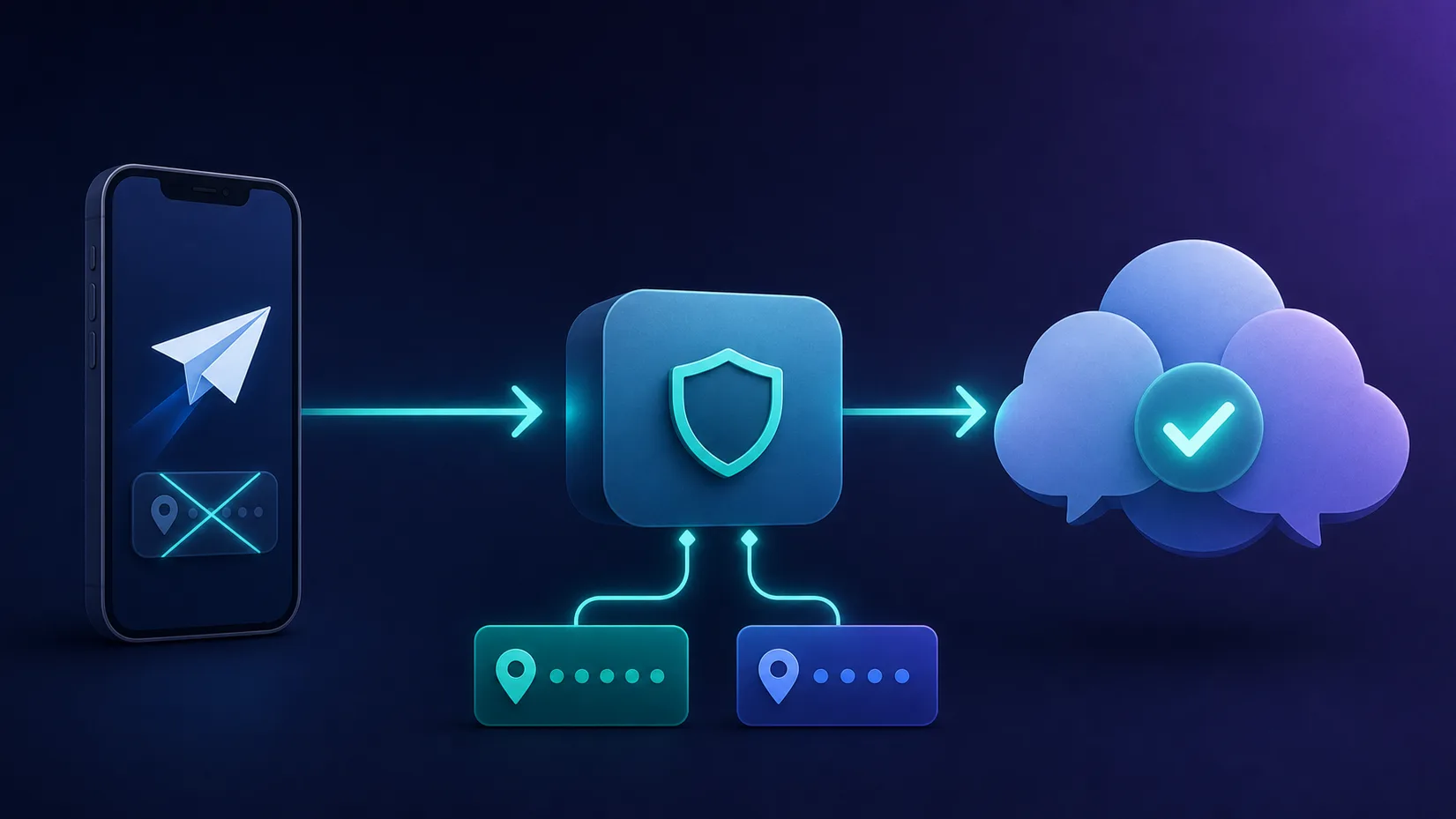
Telegram has built-in proxy support, so you don't need extra software. It accepts two kinds:
- SOCKS5 — a general-purpose proxy protocol. This is what commercial residential and mobile proxy providers give you, and it's the right choice for account management and everyday use with a paid provider.
- MTProto — Telegram's own proxy protocol, designed specifically to disguise Telegram traffic and slip past censorship. Useful purely for access in blocked regions, but free public MTProto servers are often slow and short-lived.
For most use cases — and for anything involving multiple accounts — a SOCKS5 connection to a residential or mobile proxy is the way to go.
What kind of proxy is best for Telegram?
The proxy's network type decides how trusted your connection looks — and whether your accounts survive:
| Type | Account safety | Best for |
|---|---|---|
| Mobile | Highest — real carrier IPs, shared by many real users | Multi-account management, marketing, the toughest cases |
| Residential | High — real home-ISP IPs | Most account and access needs, great value |
| Datacenter | Low — easily detected, high ban risk | Only casual, single-account access on a budget |

One IP per account
If you run multiple accounts, give each its own sticky session (a single IP held for the whole session) on a residential or mobile proxy. Sharing one IP across accounts — or rotating mid-session — is what gets them linked and banned.
The best proxies for Telegram in 2026
We weighted clean mobile and residential pools, sticky-session control, geo-targeting, SOCKS5 support, and value. Each card links to our full review with live pricing and any current coupon.
SOAX — best overall for Telegram
Clean mobile and residential pools with fine-grained geo-targeting and flexible sticky sessions — ideal for assigning one stable, trusted IP per account. Mobile IPs make it the safest pick for serious account management.

SOAX
SOAX is the targeting specialist. City- and ISP-level selection on every plan — not locked behind premium tiers — is genuinely rare, and the continuously cleaned pool keeps success rates high where it matters. It is not the fastest network, the interface could use a refresh, and SOCKS5 coverage is uneven. Those are real but minor gripes against a provider that nails the fundamentals of precision and reliability. For ad verification, localized market research, and social-media work that depends on appearing in an exact location, SOAX is one of the best mid-market options available.
IPRoyal — best value
Affordable mobile and residential proxies with SOCKS5, sticky sessions, and pay-as-you-go pricing whose traffic doesn't expire quickly — a favourite for cost-conscious Telegram users running a few accounts.

IPRoyal
IPRoyal is the best pure pay-as-you-go deal in proxies. Non-expiring traffic is a genuinely customer-friendly policy that no major rival matches — buy what you need, use it whenever, lose nothing. The pool is smaller than the premium networks and success rates can soften on the most heavily defended targets, so high-volume enterprise scraping is not its strength. The dashboard is also fairly basic. For intermittent scraping, account work, and sneaker copping on a predictable budget, IPRoyal is an easy recommendation and one of the best value picks for occasional users.
The two value-and-mobile leaders are worth comparing directly:
SOAX
Proxy
IPRoyal
Proxy
Editor score
User rating
Starting price
Founded
Decodo — best all-rounder
A large, reliable residential pool with a friendly dashboard, easy SOCKS5 setup, and sticky sessions. The simplest "just works" option for managing a handful of accounts without complexity.

Decodo
Decodo offers the best price-to-performance ratio in the industry. It delivers roughly 90% of what the enterprise leaders provide — high success rates, a large clean pool, sticky sessions, an unblocker — at a fraction of their cost. The dashboard is the friendliest of any major provider, the 14-day money-back guarantee removes the risk of trying it, and support actually responds. The main gaps are enterprise-grade compliance tooling and the very deepest targeting, neither of which most teams need. For startups, solo developers, and any team that wants professional results without enterprise pricing, Decodo is our top value pick and an easy recommendation.
Bright Data — best for scale
The largest mobile and residential network with precise targeting and enterprise controls — the choice for agencies and power users running many Telegram accounts at once.
Bright Data
Bright Data remains the most complete data-collection platform money can buy. No competitor matches its combination of network scale, targeting granularity, and compliance tooling — and for enterprise teams whose revenue depends on reliable data, that completeness justifies the premium. The trade-offs are real: it is one of the priciest providers per gigabyte, the interface overwhelms newcomers, and KYC verification adds friction before you can route a single request. Smaller projects will get better value from Decodo or IPRoyal. But if you need city-level residential targeting at scale, a managed unblocker for the hardest targets, and audit-ready compliance, Bright Data is the default — and our highest-rated proxy provider overall.
ProxyEmpire — strong mobile option
Solid mobile and residential proxies with per-account rotation and SOCKS5, oriented toward social and messaging use — a capable middle-ground pick for Telegram.

ProxyEmpire
ProxyEmpire wins on flexibility. Rollover data is a genuinely rare, customer-friendly policy — unused traffic carries forward instead of evaporating at month end — and the targeting reaches city and ISP level on a network that covers 170+ countries. The pool is smaller than the market leaders and speeds are solid rather than spectacular, so very high-volume operations may want a bigger network. SOCKS5 support and sticky sessions round out a capable feature set. For individuals and mid-sized teams who want fair, flexible, ethically sourced proxies, ProxyEmpire is a strong value pick.
How to set up a proxy in Telegram (SOCKS5)
Telegram's built-in proxy settings make this quick. With your provider's host, port, username and password ready:
- Open Settings → Data and Storage → Proxy Settings (on desktop: Settings → Advanced → Connection type).
- Tap Add Proxy and choose SOCKS5.
- Enter the Server (host), Port, and your Username and Password — your provider gives these as
host:port:user:pass. - Save and toggle the proxy on. A small shield icon confirms you're connected through it.
Use it responsibly
Using a proxy with Telegram is allowed, but Telegram's terms still apply. Aggressive automation, spam, and bulk-messaging strangers will get accounts banned no matter how clean the IP — proxies reduce footprint, they don't license abuse.
The bottom line
For accessing Telegram or running one account, an affordable residential plan from IPRoyal or Decodo is plenty. For multiple accounts or marketing at scale, step up to mobile proxies from SOAX (or Bright Data for volume), assign one sticky IP per account, and connect over SOCKS5 — that combination keeps your accounts unblocked and unlinked. Running WhatsApp accounts too? The playbook is nearly identical — see our guide to the best proxies for WhatsApp.
Frequently asked questions
Telegram has built-in support for SOCKS5 and MTProto proxies, configurable in its settings with no extra software. SOCKS5 is used with commercial residential and mobile providers; MTProto is Telegram's own protocol designed to bypass censorship.
To access Telegram where it's blocked, to manage multiple accounts without them being linked or banned, and to hide your real IP for privacy. A clean residential or mobile IP makes each connection look like an ordinary user.
Mobile proxies are safest because carrier IPs are shared by many real users and rarely banned, followed by residential. Give each account its own sticky-session IP and avoid datacenter proxies, which are easily detected and get accounts banned.
Using a proxy is legal in most places and Telegram supports it natively. But Telegram's terms still apply - spam and aggressive bulk automation will get accounts banned regardless of the proxy, so proxies reduce your footprint, not your responsibility.
Use SOCKS5 for everyday use and account management with a paid residential or mobile provider. Use MTProto mainly for getting past censorship in blocked regions, keeping in mind that free public MTProto servers are often slow and unreliable.